
|
Do it yourself
| |||
| ||||


How to reset the service light on a Mini Cooper
Model: Mini Mini
F55, F54, F57, F56
- Years 2014-2023
The service light reset on a Mini Cooper vehicle follows simple and quick steps to be carried out independently. To reset the service light related to the maintenance, we need to turn on the instrument panel and simultaneously press the buttons on the tachometer display, thus starting the service menu. By pressing the top button, we will navigate within the menu and select the oil light symbol. Hold down the buttons to reset the service. Return to the main menu and complete the procedure by restarting the instrument panel.
Posted on 22 February 2025 by ScegliAuto
Video tutorial
Related tutorials
Mini
(2007-2014 /
R57, R55, R56)
From the Mini Cooper S instrument cluster, you can completely turn off the Service light by switching on the vehicle's ignition, allowing you to navi…

Mini
(2023-2026 /
F66)
To reset the Service light on the Mini Cooper, you will need to turn on the instrument panel by inserting the ignition key into the corresponding slo…
Mini
(2007-2014 /
R57, R55, R56)
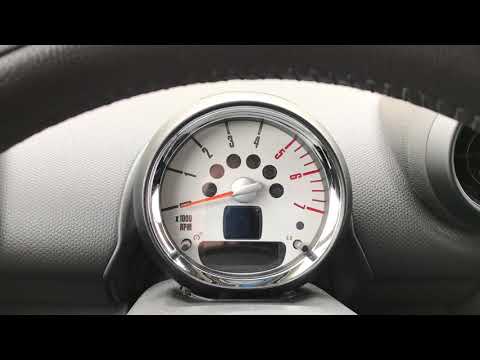
In a few simple steps, we will reset the maintenance light for the engine oil change of the Mini Cooper. First, get into the car and turn on the dash…
Other guides you may be interested in
|
How to Replace the Battery on a Peugeot 207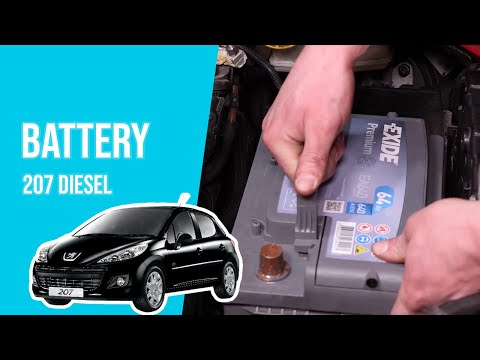
How to replace the battery on a Peugeot 207? Follow these steps: open the car door and pull up the engine compartment release lever located at the bottom left of the dashboard, then lift the front bonnet, disengaging the locking lever with your fingers. Secure it with the prop rod. Once the engine compartment is open, you will find the battery to be replaced on the right. Use a socket spanner to unscrew the securing bolts of the battery terminals and disconnect the locking plate (if present). Remove the old battery and fit a new one, tightening the power terminals. Close the battery compartment and shut the bonnet. by ScegliAuto More videos
|

|
For advertising on this site Write to info@scegliauto.com
ScegliAuto is not responsible for any inaccuracy of the data in the lists. To report any inaccuracy or your business (if you own the business in question), please write to info@scegliauto.com
Number of seconds to generate the page: 0.044
(c) ScegliAuto 2026 - info@scegliauto.com - Privacy policy VAT number: IT01247470535 |
