
|
Do it yourself
| |||
| ||||


|
To paint the chrome trims of the headlights, you need to use a specific product: it is recommended to use PLASTI DIP.
Rather than a true paint, it is a coating that creates a sort of rubber film. Carefully clean the chrome trims, removing any residues present. Cover the headlight glass with newspapers and apply more around the bodywork, all around the trim itself (it is not necessary to wrap the bodywork thoroughly, as the "paint" will be removed like a film). Start painting the trims, applying several coats while allowing for slight drying between each coat. Once the perfect colour of the trims is achieved, wait for complete drying and remove the newspapers. Finally, you can peel off the paint that has settled on the bodywork like an adhesive film.
Updated on 3 February 2026 by ScegliAuto
Video tutorial
Related tutorials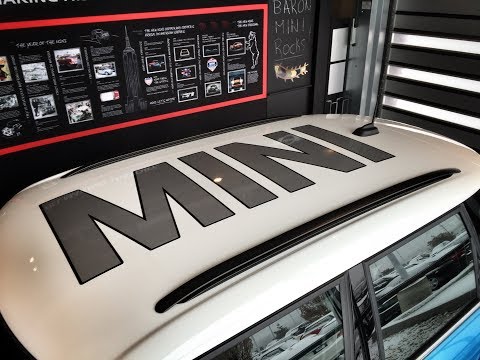
Mini
(2007-2014 /
R56, R55, R57)
In this video, you will see just a few customisation proposals for your Mini, whether it’s a Cooper or Countryman: let’s start with a matte wrap and …
Mini
(2007-2014 /
R56, R55, R57)
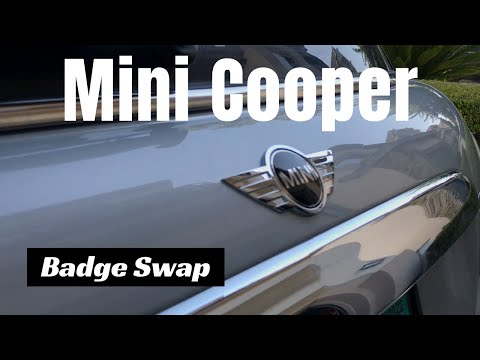
In this video, you will see how to replace the rear logo of a Mini, which is now completely damaged, with a new one. You can obtain the new logo, for…

Mini
(2007-2014 /
R56, R55, R57)
In order to adjust the headlights of the Mini One, you will need to turn on the dashboard by inserting the ignition key into the corresponding slot: …
Other guides you may be interested in
|
How to Change the System Language of the Opel Corsa F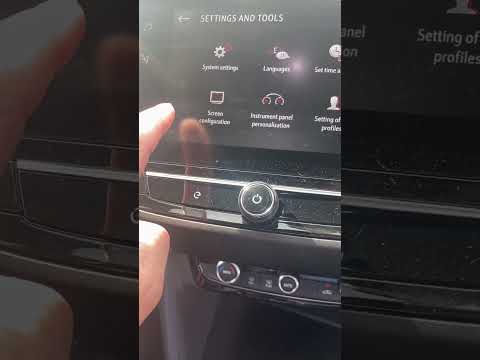
If you own an Opel Corsa F (2019-2023) and want to learn how to change the system language, read this guide carefully and follow the instructions. First, enter the cabin and start both the instrument cluster and the central display. Then, click on the settings icon and select "Options". Next, choose "Languages" and scroll through the list until you find your preferred language. Select it and finally exit the menu to save the changes. by ScegliAuto More videos
|

|
For advertising on this site Write to info@scegliauto.com
ScegliAuto is not responsible for any inaccuracy of the data in the lists. To report any inaccuracy or your business (if you own the business in question), please write to info@scegliauto.com
Number of seconds to generate the page: 0.077
(c) ScegliAuto 2026 - info@scegliauto.com - Privacy policy VAT number: IT01247470535 |
