
|
Do it yourself
| |||
| ||||



Video tutorial
Let's see how to replace the tailgate button of a Mini R56: we can find the replacement part on Amazon with the code B0CQM8B3J3 at a price of 12.49 euros, free one-day delivery for Prime customers. The old button cover will break during removal; we use a small flat screwdriver between the original seal and the metal frame of the tailgate. We cut and lift the glued rubber seal, levering little by little and moving along the entire perimeter. Once the bulk of the old rubber is removed, we scrape off the remaining glue from the metal seat, removing the residue with isopropyl alcohol. We put the new button cover in the right direction: in this way the new piece does not need glue, but it is fixed mechanically, pressing firmly with the fingertips along the entire lower and side perimeter. If we had removed the interior lining of the tailgate for better access, it is time to reassemble it. The next time we wash the car, we check that no more water enters from the button area.
Posted on 22 October 2025 by ScegliAuto
Related tutorials
Mini
(2001-2007 /
R53, R50, R52)
In this video tutorial, see how to remove and replace or repair the rear boot button of a Mini Cooper in simple and quick steps. First, open the rear…
Mini
(2007-2014 /
R57, R56, R55)
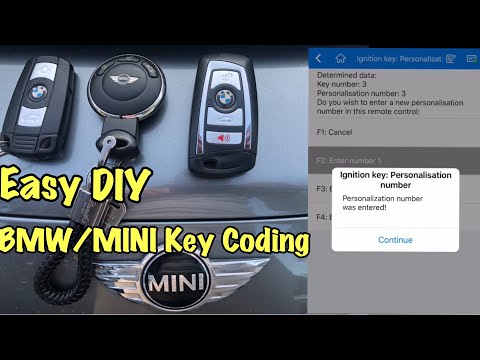
To program the key for a Mini R56, install the Bluetooth device shown in the video into the OBD port and program it using the appropriate smartphone …
Mini
(2007-2014 /
R57, R56, R55)
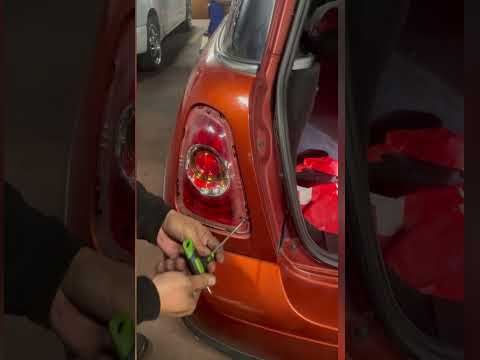
If you need to remove one of the rear headlamps from your Mini Cooper R56 but don't know how, don't worry as we will explain step by step how to comp…
Other guides you may be interested in |
How to Set the Time in an Audi A4?
In this tutorial, you will see how to set the time in an Audi A4, a very simple and quick operation to perform after replacing the battery or when the time changes. First, insert the key and turn on the instrument cluster. Then, press the "SETUP" button located on the center console. Next, press the upper left arrow button, navigate to the "Time" option, and use the central knob to adjust the clock. Finally, set any necessary formats and save by returning to the main screen. by ScegliAuto More videos
|
|
For advertising on this site Write to info@scegliauto.com
ScegliAuto is not responsible for any inaccuracy of the data in the lists. To report any inaccuracy or your business (if you own the business in question), please write to info@scegliauto.com
Number of seconds to generate the page: 0.020
(c) ScegliAuto 2026 - info@scegliauto.com - Privacy policy VAT number: IT01247470535 |
