
|
Do it yourself
| |||
| ||||


How to reset the brake pad wear indicator on the Mini Cooper R50-52-53
Model: Mini Mini
R53, R50, R52
- Years 2001-2007
On the Mini Cooper R520, R52, and R53 versions, we have a warning light that indicates brake pad wear. It is certainly a very useful warning light, because when it lights up, we know it's time to change them. However, simply changing the brake pads is not enough for the warning light to turn off, it must be reset, which is actually very simple. After doing the job, to turn off the warning light, simply turn on the ignition and press the brake pedal for a few seconds, allowing the system to perform a verification check and turn off the wear warning light. If the warning light does not turn off, it means that the sensor is also worn out and must be replaced.
Posted on 19 September 2025 by ScegliAuto
Video tutorial
Related tutorials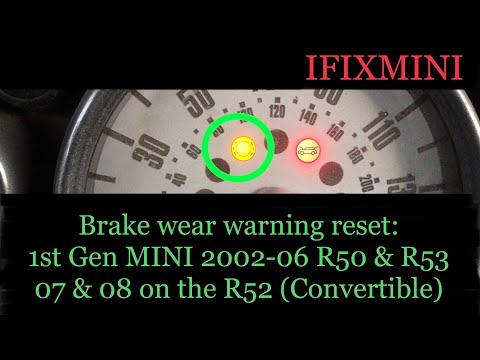
Mini
(2001-2007 /
R53, R50, R52)
Let's find out below the instructions that will allow us to reset the brake pad wear warning light of the Mini Cooper. First of all we get on board t…

Mini
(2014-2023 /
F55, F56, F57, F54)
Today's steps will show us how to reset the brake pad wear indicator light on the Mini Cooper; before performing this operation, it is necessary to h…
Mini
(2007-2014 /
R55, R57, R56)
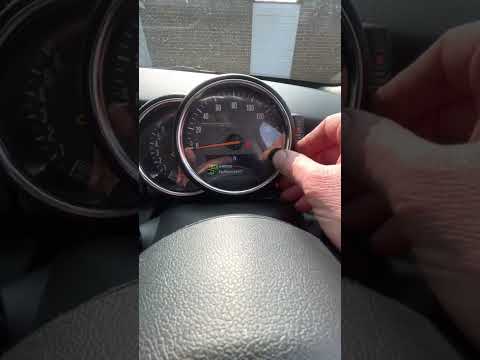
Today we will see the steps that will allow us to reset the brake pad warning light on the Mini Cooper. First of all, we get on board the car and tur…
Other guides you may be interested in
|
How to Replace the Trunk Handle on an Audi A4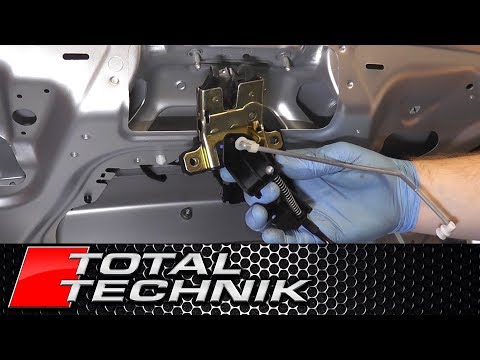
The first step, after lifting the hood, is to remove the panel covering the inside of the trunk. Once removed, you can access the entire handle mechanism. Now, disconnect the connector that powers the trunk. This will allow you to disengage the various mechanisms that operate the handle. Next, remove all the cables that move the parts. After that, unscrew all the bolts securing the handle from the inside and follow this procedure for removing the outer part as well. by ScegliAuto More videos
|
|
For advertising on this site Write to info@scegliauto.com
ScegliAuto is not responsible for any inaccuracy of the data in the lists. To report any inaccuracy or your business (if you own the business in question), please write to info@scegliauto.com
Number of seconds to generate the page: 0.056
(c) ScegliAuto 2026 - info@scegliauto.com - Privacy policy VAT number: IT01247470535 |
