
|
Do it yourself
| |||
| ||||


|
Watch this video to learn how to set the time on a Mini. Turn on the instrument cluster using the appropriate remote key; press the button located above the instrument cluster. Hold the button until the maintenance message appears (in this case, the time), and adjust the new time while keeping the button pressed; set the minutes and date using the buttons on the left (confirm with the Set button). Turn off and then turn on the instrument cluster again using the key. Double-check everything and turn off the instrument cluster after setting.
Updated on 13 March 2026 by ScegliAuto
Video tutorial
Related tutorials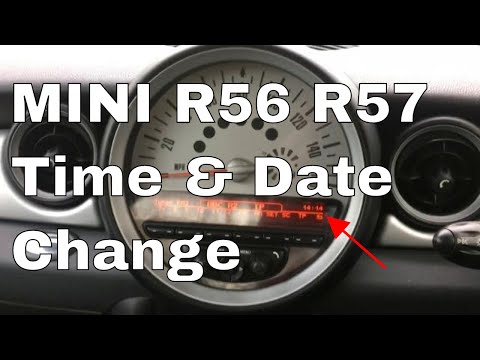
Mini
(2007-2014 /
R57, R55, R56)
In today's video you will see how to adjust the time to the Mini Cooper. This tutorial also applies to the contemporary Clubman and convertible model…

Mini
(2007-2014 /
R57, R55, R56)
In this tutorial we can see how to adjust the time in the Mini Cooper, an extremely simple and quick operation, to be carried out for example after r…

Mini
(2001-2007 /
R52, R50, R53)
In this tutorial we can see how to adjust the time in the Mini Cooper, an extremely simple and quick operation, to be carried out for example after d…
Other guides you may be interested in
|
How to Remove the Original Stereo on a Ford Focus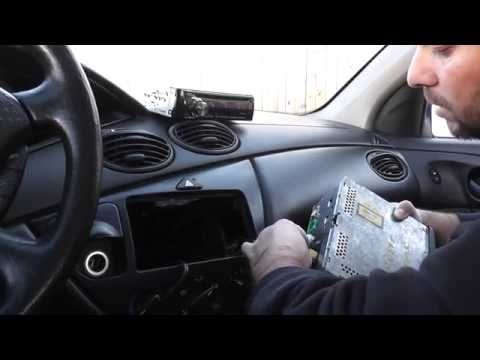
How to remove the original stereo on a Ford Focus? Follow these guidelines for the removal. Use the original or aftermarket metal keys to remove the stereo: insert the keys into the holes on the plastic cover of the stereo, pull the stereo towards you as shown in the video, and carefully extract the stereo while being mindful of the wiring (disconnect the power connectors and the antenna cable). Finally, reinstall the original stereo or a generic brand with the appropriate adapter for the connections. by ScegliAuto More videos
|
|
For advertising on this site Write to info@scegliauto.com
ScegliAuto is not responsible for any inaccuracy of the data in the lists. To report any inaccuracy or your business (if you own the business in question), please write to info@scegliauto.com
Number of seconds to generate the page: 0.107
(c) ScegliAuto 2026 - info@scegliauto.com - Privacy policy VAT number: IT01247470535 |
