
|
Do it yourself
| |||
| ||||



How to Reset the Oil Light in the Mini Cooper R55
Model: Mini Mini
R57, R56, R55
- Years:
2007, 2008, 2009, 2010, 2011, 2012, 2013, 2014
Video tutorial
If you own a Mini Cooper R55 and want to learn how to manually reset the oil light, follow these steps. First, go inside the cabin and insert the key. Press the ignition button to start the instrument cluster. Ensure that the display shows the total mileage, then press and hold the button located below the speedometer for about five seconds. Finally, press the button at the end of the left steering lever multiple times and hold it down until the oil light resets.
Updated on 26 July 2026 by ScegliAuto
Related tutorials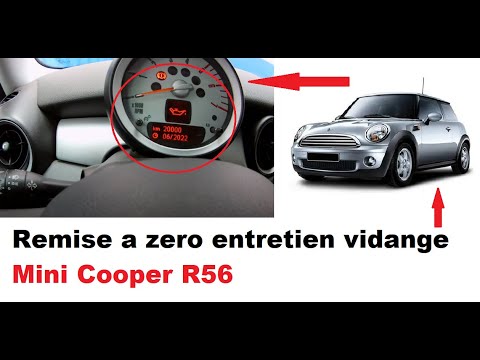
Mini
(2007-2014 /
R57, R56, R55)
Today, you will learn the procedure to reset the service light for the routine maintenance oil change on the Mini Cooper. First, get inside the vehic…
Mini
(2007-2014 /
R57, R56, R55)
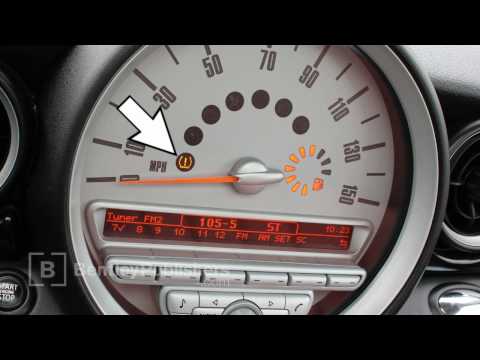
In this video, you will learn how to reset the tyre pressure sensor light on a Mini Cooper (R55, R56, R57). First, ensure that all tyres are at the c…

Mini
(2007-2014 /
R57, R56, R55)
If you are looking for a guide to help you manually reset the oil light on your 2012 Mini Cooper R56, read the following instructions carefully and p…
ScegliAuto offers an extensive international collection of automotive tutorials available in 12 languages. Each guide combines instructional videos with original explanations written by experienced human editors, along with information about the car models covered.
Other guides you may be interested in
|
How to Adjust the Headlights on a Volkswagen Golf 7
This brief video tutorial shows the necessary steps to manually adjust the headlights on a seventh-generation Volkswagen Golf, produced from 2012 to 2019. Adjusting the dipped beam headlights is a very simple task. Open the bonnet and locate the adjustment screw at the back of the headlights as shown in the video. Once located, use a 6 mm Allen key to turn the screw clockwise or anti-clockwise to raise or lower the beam. by ScegliAuto More videos
|
|
For advertising on this site Write to info@scegliauto.com
ScegliAuto is not responsible for any inaccuracy of the data in the lists. To report any inaccuracy or your business (if you own the business in question), please write to info@scegliauto.com
Number of seconds to generate the page: 0.080
(c) ScegliAuto 2026 - info@scegliauto.com - Privacy policy - About us VAT number: IT01247470535 |
