
|
Do it yourself
| |||
| ||||


How to reset the service light on a Mini One?
Model: Mini Mini
R53, R50, R52
- Years 2001-2007
As we can see in this tutorial, resetting the service on the Mini One is an extremely simple and fast operation. Before proceeding, make sure you have completed all the required scheduled maintenance work. Let's begin by going inside the cabin, then insert the key, hold down the button located in the lower right area of the speedometer, and at the same time turn on the instrument panel. At this point, keep the button pressed until the screen changes, release it, and hold it down a second time for the necessary time to reset the interval correctly.
Posted on 28 May 2023 by ScegliAuto
Video tutorial
Related tutorials
Mini
(2017-2023 /
F60, Countryman2)
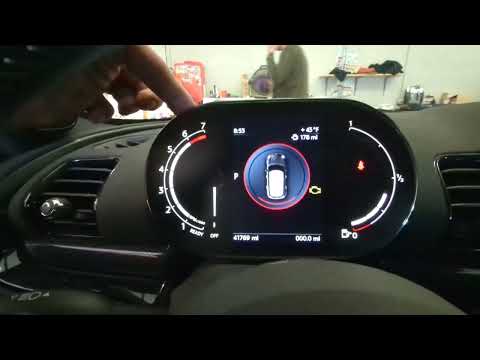
In this tutorial, we can see how to reset the brake service in the Mini Cooper, an extremely simple and quick operation, to be carried out only after…
Mini
(2017-2023 /
F60, Countryman2)
In this tutorial we can see how to reset the service in the Mini Countryman, an extremely simple and quick operation, to be carried out only once all…

Mini
(2010-2016 /
R60, Countryman1)
In this tutorial, we can see how to reset the service in the Mini Cooper, an extremely simple and quick operation, to be carried out only once all sc…
Other guides you may be interested in
|
How to Reset the Oil Service on a Ford Focus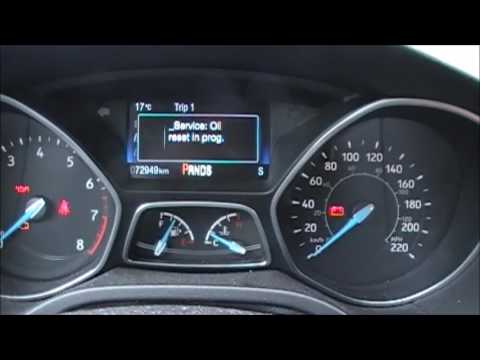
In this video, learn how to reset the oil service maintenance indicator on a Ford Focus. This operation is very simple: enter the vehicle, turn on the instrument panel, and press the button located near the steering wheel for a few seconds, a drop-down menu will appear, scroll until you find the oil reset option. Confirm the reset with the OK button (a message will appear indicating the reset was successful). Check on the instrument panel how many miles until the next oil change service. Always remember to make changes to the onboard computer with the vehicle stationary and turned off. by ScegliAuto More videos
|
|
For advertising on this site Write to info@scegliauto.com
ScegliAuto is not responsible for any inaccuracy of the data in the lists. To report any inaccuracy or your business (if you own the business in question), please write to info@scegliauto.com
Number of seconds to generate the page: 0.098
(c) ScegliAuto 2026 - info@scegliauto.com - Privacy policy VAT number: IT01247470535 |
