
|
Do it yourself
| |||
| ||||


How to reset the service light in the Mini Cooper?
Model: Mini Mini
R50, R52, R53
- Years 2001-2007
As we can see in this tutorial, resetting the service in the Mini Cooper is an extremely simple and fast operation. Before proceeding, make sure that you have completed all the required scheduled maintenance tasks. Let's start by going inside the cabin, then insert the key, hold down the button on the speedometer, and simultaneously turn on the instrument panel. Release the button after changing the screen, hold it down a second time until the "Reset" message starts flashing, and complete the operation by pressing it one last time.
Posted on 27 July 2023 by ScegliAuto
Video tutorial
Related tutorials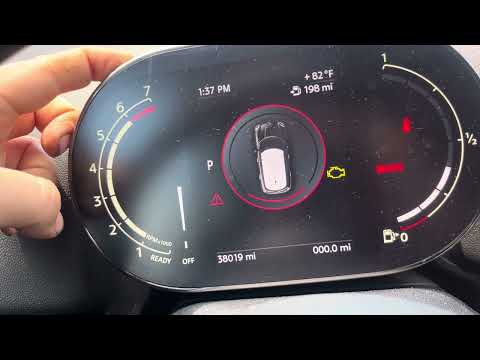
Mini
(2014-2023 /
F57, F54, F56, F55)
In this tutorial, we can see how to reset the service in the Mini Cooper, an extremely simple and fast operation, to be performed only once all the r…
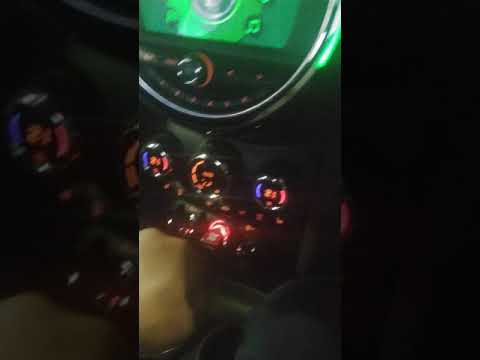
Mini
(2017-2023 /
F60, Countryman2)
In this tutorial, we can see how to reset the service in the Mini Cooper, an extremely simple and quick operation, to be carried out only after compl…
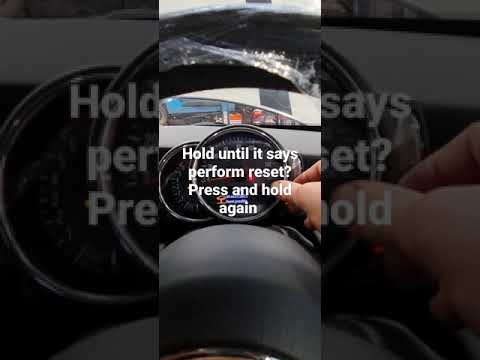
Mini
(2014-2023 /
F57, F54, F56, F55)
In this tutorial, we can see how to reset the service in the Mini Cooper, an extremely simple and quick operation, to be carried out only after compl…
Other guides you may be interested in
|
How to Remove the Air Vents on an Alfa Romeo 159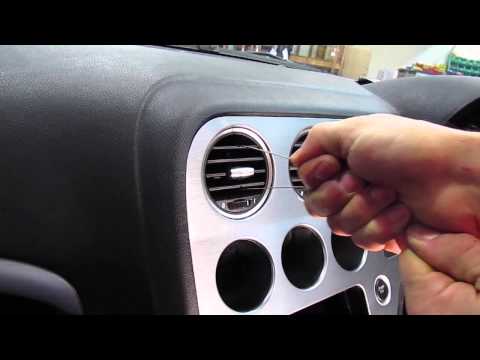
This video shows how to remove the air vents on an Alfa Romeo 159. Start by using a plastic trim tool to detach the air vents located in the central dashboard; if you have difficulty, obtain metal hooks (as shown in the video) and insert them into the air vent. Once the two hooks are secured to the edges of the air vent, pull them out with your hands until the vent is removed from its housing. Repeat this procedure for the other air vents present on the car's dashboard. Finally, install the new vents. by ScegliAuto More videos
|
|
For advertising on this site Write to info@scegliauto.com
ScegliAuto is not responsible for any inaccuracy of the data in the lists. To report any inaccuracy or your business (if you own the business in question), please write to info@scegliauto.com
Number of seconds to generate the page: 0.133
(c) ScegliAuto 2026 - info@scegliauto.com - Privacy policy VAT number: IT01247470535 |
