
|
Do it yourself
| |||
| ||||


How to reset the oil service on the Mini Cooper S?
Model: Mini Mini
F57, F56, F55, F54
- Years 2014-2023
In this tutorial we can see how to reset the oil service in the Mini Cooper S, an extremely simple and quick operation, to be carried out only once all scheduled maintenance work has been completed. Let's start by going inside the cabin, then we insert the key and turn on the instrument panel. Then we press the button on the back of the dashboard to activate the maintenance menu, scroll through the various available services and, once we reach the oil service, press the same button twice in a row. Finally, restart the vehicle to complete the procedure.
Posted on 14 May 2024 by ScegliAuto
Video tutorial
Related tutorials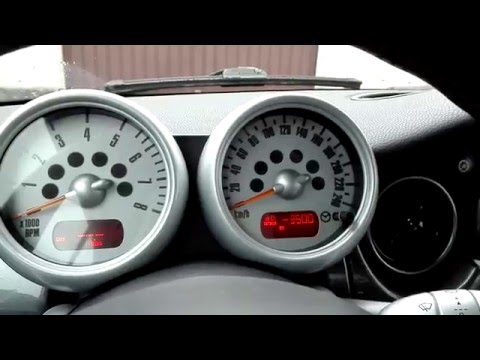
Mini
(2001-2007 /
R52, R50, R53)
To reset the Oil Service light on the Mini Cooper, you need to press and hold the button located on the side of the speedometer. While still holding …

Mini
(2014-2023 /
F57, F56, F55, F54)
Like all cars, the Mini Cooper also has its maintenance program, detailed in the user manual. The oil change and oil filter replacement are essential…

Mini
(2014-2023 /
F57, F56, F55, F54)
In today's guide we will see how to reset the oil change routine maintenance service light on a 2016 Mini Cooper S, fourth series. First we get insid…
Other guides you may be interested in
|
How to Replace the Front Wing of a Renault Clio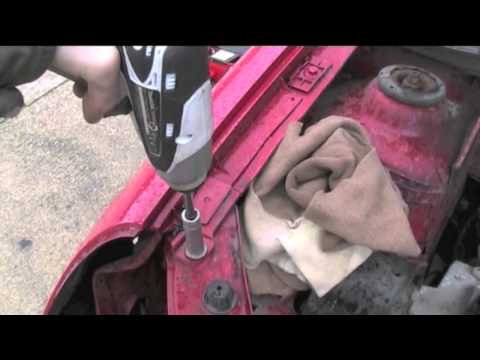
First, remove the wheel where the replacement will occur, then lift the vehicle. This will provide easy access to the clips and bolts securing the wing from the inside. Next, remove the bolts located on the underside of the body and any remaining screws. You can now comfortably extract the entire inner part of the wing. To remove the bumper, follow the instructions in the video. To reassemble the wing, simply retrace the steps in reverse. by ScegliAuto More videos
|

|
For advertising on this site Write to info@scegliauto.com
ScegliAuto is not responsible for any inaccuracy of the data in the lists. To report any inaccuracy or your business (if you own the business in question), please write to info@scegliauto.com
Number of seconds to generate the page: 0.096
(c) ScegliAuto 2026 - info@scegliauto.com - Privacy policy VAT number: IT01247470535 |
