
|
Do it yourself
| |||
| ||||


Nissan Armada - Brake padsBrake Pads Nissan Armada (2004-2015 / ta 60)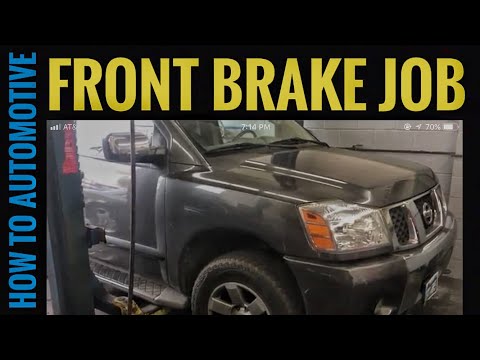 Nissan Armada (2004-2015 / Ta60)
How to Replace the Front Brake Pads of the Nissan Armada? To replace the front brake pads of the Nissan Armada, lift the vehicle using a lift or jack so that the corresponding front wheel is off the ground. After the …Read all… Posted on 28 July 2026 by ScegliAuto 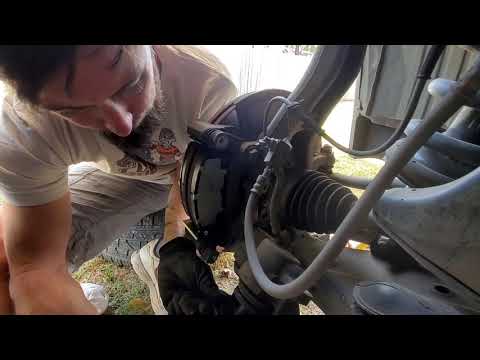 Nissan Armada (2004-2015 / Ta60)
Replace the Front Brake Pads on a Nissan Armada Follow this brief and simple guide to remove and replace the front brake pads on a Nissan Armada. First, lift the vehicle and remove the front wheel; then, …Read all… Posted on 13 July 2026 by ScegliAuto Alternator (1) Speaker (1) Roof rack bars (1) Battery (1) Key (2) Air filter (1) Cabin air filter (3) Headlight bulb (1) Engine oil (1) Brake pads (2) Fuel pump (2) Car door (1) Instrument cluster (1) Fuse box (4) Warning light – error code (2) (2) Service warning light (1) Windshield wipers (1) |
How to set the clock on the Vespa 125 Primavera?
To set the clock on the Vespa 125 Primavera, press and hold the black button located just below the black knob on the bike: keep the button pressed until the hour number starts to flash. Once it is flashing, you can change the hours with single presses of the same button; then, by pressing and holding the button again, the hour number will stop flashing and the minute number will start to flash, which can be modified in the same way, confirming the input by holding the button. by ScegliAuto More videos
|
|
For advertising on this site Write to info@scegliauto.com
ScegliAuto is not responsible for any inaccuracy of the data in the lists. To report any inaccuracy or your business (if you own the business in question), please write to info@scegliauto.com
Number of seconds to generate the page: 0.010
(c) ScegliAuto 2026 - info@scegliauto.com - Privacy policy VAT number: IT01247470535 |
