
|
Do it yourself
| |||
| ||||


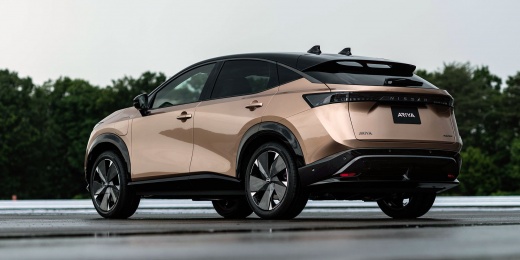
How to Replace the Remote Battery in a Nissan Ariya?
Model: Nissan Ariya
MK 1
- Years:
2022, 2023, 2024, 2025, 2026
Video tutorial
In this tutorial, you can see how to replace the battery in the remote for the Nissan Ariya, an extremely simple and quick operation. For this, you will need a small flat-head screwdriver and a replacement battery of type CR2032. First, extract the emergency metal key by pressing the appropriate button, then insert the screwdriver tip into the indicated slot, lever it open, and separate the two halves of the remote. Next, remove the old battery, insert the replacement ensuring to respect its polarity, and reassemble everything by following the reverse procedure.
Posted on 6 August 2026 by ScegliAuto
Related tutorials
Nissan Ariya
(2022-2026 /
MK 1)
In this tutorial, you will see how to replace the battery of the Nissan Ariya remote, an extremely simple and quick operation. For this, you will nee…

Nissan Ariya
(2022-2026 /
MK 1)
To locate the fuse box containing all the various fuses of your Nissan Ariya, follow the steps outlined in this guide. First, access the front passen…

Nissan Ariya
(2022-2026 /
MK 1)
To replace the battery on the Nissan Ariya, open the bonnet to access the front compartment. On the upper left side, you will find a cover that needs…
Other guides you may be interested in
|
How to Activate the Cruise Control on the Toyota Yaris?
To activate the cruise control on the Toyota Yaris, start the engine by turning the key in the ignition switch. Once the engine is running, press the accelerator pedal until you reach the desired speed. Then, press the button on the right side of the steering wheel to activate the cruise control. You can also adjust the cruising speed by lifting the switch to increase it and lowering the switch to decrease it. by ScegliAuto More videos
|
|
For advertising on this site Write to info@scegliauto.com
ScegliAuto is not responsible for any inaccuracy of the data in the lists. To report any inaccuracy or your business (if you own the business in question), please write to info@scegliauto.com
Number of seconds to generate the page: 0.114
(c) ScegliAuto 2026 - info@scegliauto.com - Privacy policy VAT number: IT01247470535 |
