
|
Do it yourself
| |||
| ||||


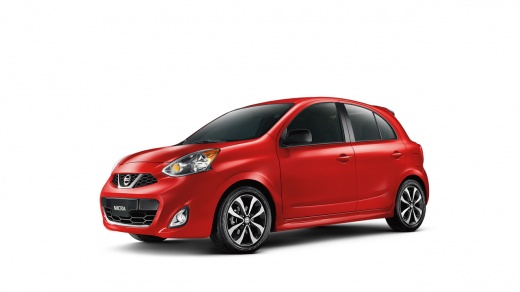
How to Change the Battery on a Nissan Micra
Model: Nissan Micra
K13
- Years:
2010, 2011, 2012, 2013, 2014, 2015, 2016, 2017
Video tutorial
To replace the battery on a Nissan Micra, open the bonnet and locate the battery in the engine bay. If present, remove the plastic protective cover to access the terminals. First, loosen the negative terminal and disconnect it, then loosen the positive terminal. Unscrew the bracket or support that holds the battery in place. Once free, lift the battery out carefully. Place the new battery in the same housing and secure it with the bracket. Connect the positive terminal first, then the negative terminal, ensuring they are tightened properly. Close the bonnet and start the vehicle to check that everything is working correctly.
Posted on 23 October 2026 by ScegliAuto
Related tutorials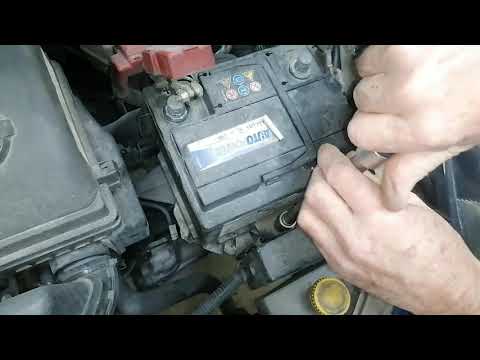
Nissan Micra
(2002-2010 /
K12)
Today, you will see step-by-step instructions that will allow you to remove and replace the battery in a Nissan Micra by following these simple steps…
Nissan Micra
(2002-2010 /
K12)
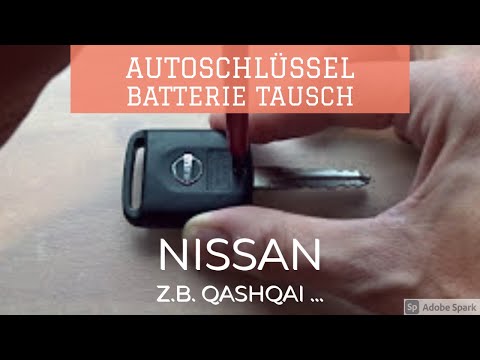
In this video, we will see how to change the battery in the key fob of a Nissan Micra. Take your key fob and, using a screwdriver, undo the tiny scre…

Nissan Micra
(2002-2010 /
K12)
To change the battery of the key fob on a Nissan Micra, first remove the cap at the end of the key, near the metal part, using the appropriate releas…
Other guides you may be interested in
|
How to Open the Bonnet of the Mitsubishi L 200
In this brief and simple guide, follow these quick steps to open the bonnet of the Mitsubishi L 200. First, open the front door on the driver's side and pull the release lever for the bonnet lock. Next, move to the front of the vehicle and disengage the lock lever to open it. The bonnet will be held up by hydraulic struts; to close it, push the bonnet down and apply pressure to secure it properly! by ScegliAuto More videos
|
|
For advertising on this site Write to info@scegliauto.com
ScegliAuto is not responsible for any inaccuracy of the data in the lists. To report any inaccuracy or your business (if you own the business in question), please write to info@scegliauto.com
Number of seconds to generate the page: 0.090
(c) ScegliAuto 2026 - info@scegliauto.com - Privacy policy VAT number: IT01247470535 |
