
|
Do it yourself
| |||
| ||||


How to Change the Key Fob Battery on a Nissan Micra
Model: Nissan Micra
K12
- Years 2002-2010
To change the battery of the key fob on a Nissan Micra, first remove the cap at the end of the key, near the metal part, using the appropriate release button or latch. Insert a small flathead screwdriver into the slot of the fob cover. Gently pry apart the two halves of the shell, taking care not to damage the plastic or the electronic circuit. Locate the button cell battery and carefully remove it without touching the electrical contacts. Insert the new battery of the same type as the original, ensuring the polarity matches the indicated position. Reassemble the fob shell and press the two halves together until they lock securely. Press the lock and unlock buttons to verify that the fob functions correctly.
Posted on 5 October 2026 by ScegliAuto
Video tutorial
Related tutorials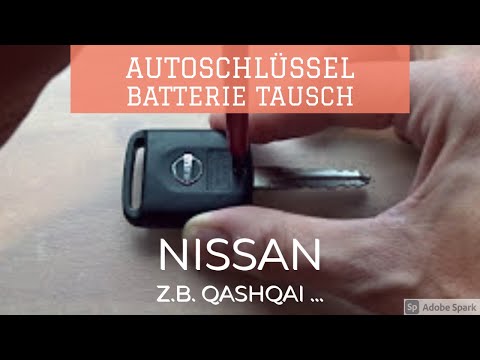
Nissan Micra
(2002-2010 /
K12)
In this video, we will see how to change the battery in the key fob of a Nissan Micra. Take your key fob and, using a screwdriver, undo the tiny scre…
Nissan Micra
(2002-2010 /
K12)
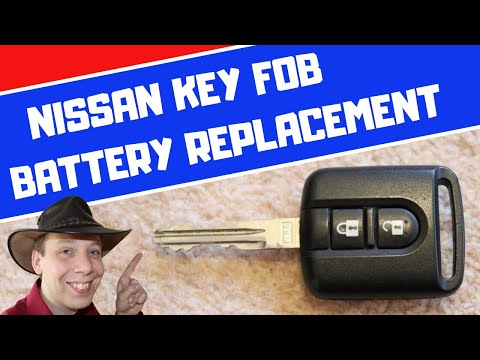
Need to replace the battery in your Nissan Micra key? Here’s how to do it. Take your remote key and unscrew the tiny screw on the key cover, then use…

Nissan Micra
(2017-2024 /
K14)
Today we will explain how to replace the battery of a Nissan Micra vehicle remote control. To replace the battery, we need to press the side of the r…
Other guides you may be interested in
|
How to Adjust the Time on a Toyota Yaris Cross Hybrid
In this article, you will learn how to adjust the time on the display of a Toyota Yaris Cross Hybrid. The procedure is simple and quick, taking less than 1 minute to complete. To adjust the time, start the display without starting the engine, then scroll through the menu using the right arrow button until you reach the settings. The first option is for the time; select it by pressing OK. Then, use the right or left arrow buttons to select hours or minutes, and use the up and down arrow buttons to adjust the hours and minutes. Once the time is set, press OK to confirm. by ScegliAuto More videos
|
|
For advertising on this site Write to info@scegliauto.com
ScegliAuto is not responsible for any inaccuracy of the data in the lists. To report any inaccuracy or your business (if you own the business in question), please write to info@scegliauto.com
Number of seconds to generate the page: 0.340
(c) ScegliAuto 2026 - info@scegliauto.com - Privacy policy VAT number: IT01247470535 |
