
|
Do it yourself
| |||
| ||||



How to Reset the Service Light on a Nissan Qashqai?
Model: Nissan Qashqai
J11
- Years:
2014, 2015, 2016, 2017, 2018, 2019, 2020, 2021, 2022
Video tutorial
As you can see in this tutorial, resetting the service light on a Nissan Qashqai is a very simple and quick operation. Before proceeding, ensure that all scheduled maintenance work has been completed. Start by turning on the instrument cluster, then press the "Enter" button to clear any alerts on the display, and scroll through the screens until you reach the settings menu. At this point, enter the "Maintenance" section and proceed with the reset by selecting "Reset" within the relevant service. Finally, return to the main screen.
Updated on 24 June 2026 by ScegliAuto
Related tutorials
Nissan Qashqai
(2006-2014 /
J10)
At the end of the service, it is important to update the mileage for the next inspection and maintenance so that the vehicle stores future data. To r…
Nissan Qashqai
(2014-2022 /
J11)
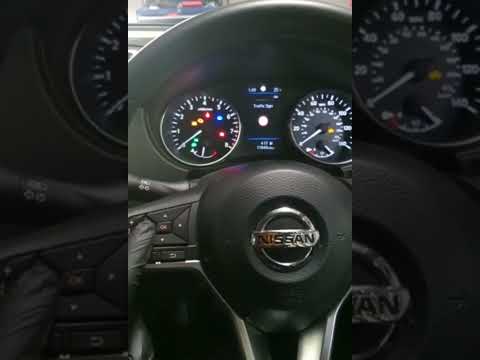
Resetting the service on a Nissan Qashqai, as shown in this tutorial, is an extremely simple and quick operation. Before proceeding, ensure you have …
Nissan Qashqai
(2006-2014 /
J10)
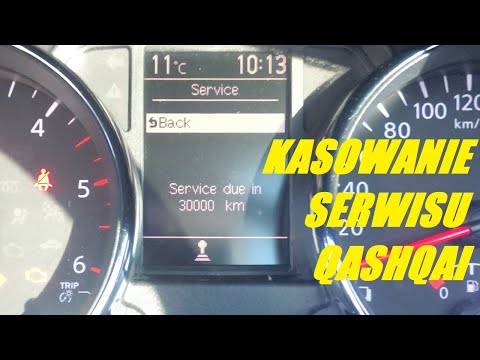
Resetting the service light on a Nissan Qashqai, as shown in this tutorial, is an extremely simple and quick operation. Before proceeding, ensure you…
ScegliAuto offers an extensive international collection of automotive tutorials available in 12 languages. Each guide combines instructional videos with original explanations written by experienced human editors, along with information about the car models covered.
Other guides you may be interested in
|
How to Manually Adjust the Time on the Kia Sportage 3
In this new guide dedicated to your Kia Sportage third generation (2010-2016), you will learn how to manually change the time displayed on the car's onboard computer. The entire procedure takes just a few seconds. Let's see how. First, enter the cabin and turn on both the ignition and the radio display. Then press the "Setup/Clock" button located on the right side of the radio and use the knob to select the "Clock" option. Finally, select the "Time" option and proceed to adjust the hour and minute digits. by ScegliAuto More videos
|
|
For advertising on this site Write to info@scegliauto.com
ScegliAuto is not responsible for any inaccuracy of the data in the lists. To report any inaccuracy or your business (if you own the business in question), please write to info@scegliauto.com
Number of seconds to generate the page: 0.023
(c) ScegliAuto 2026 - info@scegliauto.com - Privacy policy - About us VAT number: IT01247470535 |
