
|
Do it yourself
| |||
| ||||


How to reset the TPMS of the Nissan Almera Versa
Model: Nissan Almera Versa
C11
- Years 2006-2012
In this video we can see how to reset the tire pressure monitoring system light on the Nissan Almera Versa: we can see that on the dashboard of this car this light remains on, which means we need to check the tire pressure. The recommended pressure can be found, in addition to the owner's manual, on the label located in the driver's side door jamb, then we do a check around the car to verify the tire inflation pressure until we actually find the one with the lowest pressure, and once it's restored we need to reset the TPMS, and this is done simply by driving for a short distance at a speed above 16 miles/h (just over 25 km/h).
Posted on 7 May 2024 by ScegliAuto
Video tutorial
Related tutorials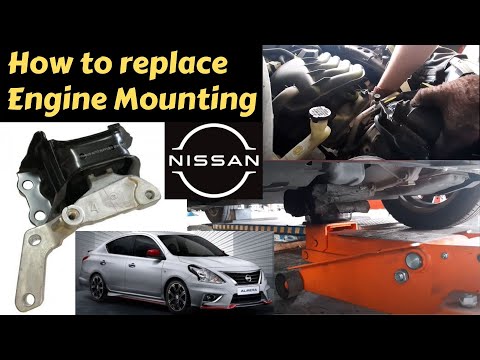
Nissan Almera Versa
(2012-2019 /
N17)
Today, you will briefly see the guide on how to remove and replace the engine mount on the Nissan Almera Versa. First, open the hood of your car and …
Nissan Almera Versa
(2012-2019 /
N17)
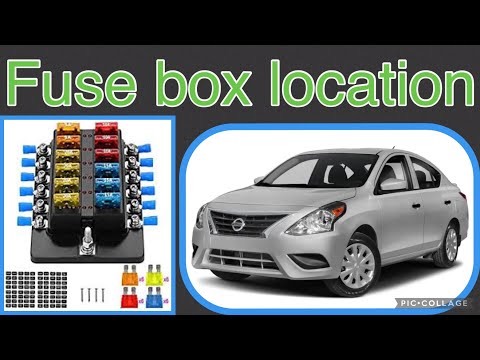
Your 2019 Nissan Almera Versa has two distinct fuse boxes, but in this guide, we will discover where the main one is located. This box contains a lar…

Nissan Almera Versa
(2012-2019 /
N17)
The following steps will show us how to disassemble and replace the car radio antenna of the Nissan Almera Versa. First of all, let's move to the bac…
Other guides you may be interested in
|
How to Replace the External Wing Mirror on a Ford C MAX
In the event of a breakage, it will be necessary to replace the external wing mirror on the 2011 Ford C MAX. This operation is easily performed independently. Start by removing the internal cover of the mirror with a plastic lever. Then, use a socket wrench to remove the securing pins. Once the pins are removed, you can take off the mirror, but not before disconnecting the power connectors. Then proceed to fit the new mirror. First, connect the connectors and then secure the mirror to its housing with the pins. Refit the plastic cover and test the operation of the electric mirror using the controls. by ScegliAuto More videos
|
|
For advertising on this site Write to info@scegliauto.com
ScegliAuto is not responsible for any inaccuracy of the data in the lists. To report any inaccuracy or your business (if you own the business in question), please write to info@scegliauto.com
Number of seconds to generate the page: 0.277
(c) ScegliAuto 2026 - info@scegliauto.com - Privacy policy VAT number: IT01247470535 |
