
|
Do it yourself
| |||
| ||||


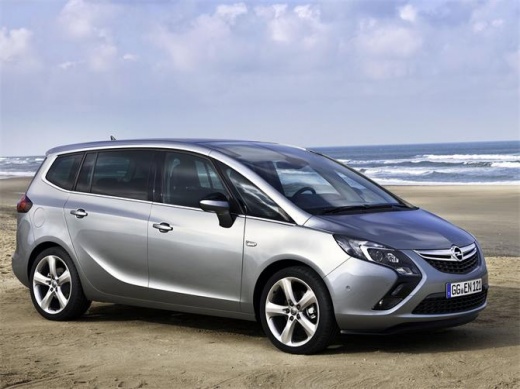
How to perform a reset on the Opel Zafira C
Model: Vauxhall Zafira
Zafira C, MK 3
- Years:
2011, 2012, 2013, 2014, 2015, 2016, 2017, 2018, 2019
Video tutorial
When we need to reset the service light on a 2011 Opel Zafira vehicle, we must turn on the instrument panel and press the button located under the display called Trip A. We hold down the button until dashes appear on the display; immediately after, we release the button and press it a second time to start the mileage update procedure. Once the kilometers have been completely updated, we release the button and restart the instrument panel. If the light still comes on again on the instrument panel display in a fixed manner, it is necessary to go to the workshop.
Posted on 30 October 2025 by ScegliAuto
Related tutorials
Vauxhall Zafira
(2005-2011 /
MK 2, A05, Zafira B)
To start a Opel Zafira, you need to follow some simple steps. First of all, make sure the vehicle is in a parked position. Insert the key into the ig…
Vauxhall Zafira
(1999-2005 /
Zafira A, T98, MK 1)
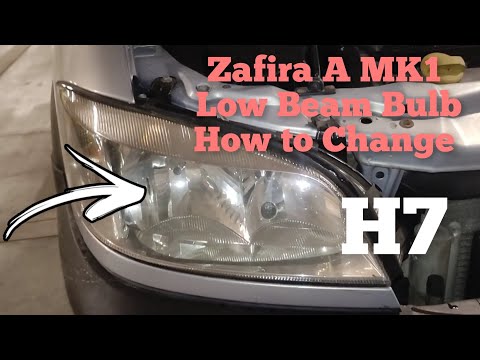
In this guide dedicated to your Opel Zafira A (1999-2005), discover the steps to correctly replace the front headlamp bulb independently. First, park…

Vauxhall Zafira
(2011-2019 /
Zafira C, MK 3)
If you own a 2020 Opel Zafira and want to find out where the fuse box is located inside the cabin, all you have to do is read the following guide and…
Other guides you may be interested in |
How to Open the Fuel Flap on a Volkswagen Tiguan?
To open the fuel flap on a Volkswagen Tiguan, first unlock the car using the appropriate button on the remote. This will open the car and unlock the mechanism that controls the fuel flap. At this point, apply light pressure to the left side of the flap to open it and access the cap underneath. Once this is unscrewed, you can refuel and then close everything. by ScegliAuto More videos
|
|
For advertising on this site Write to info@scegliauto.com
ScegliAuto is not responsible for any inaccuracy of the data in the lists. To report any inaccuracy or your business (if you own the business in question), please write to info@scegliauto.com
Number of seconds to generate the page: 0.011
(c) ScegliAuto 2026 - info@scegliauto.com - Privacy policy VAT number: IT01247470535 |
