
|
Do it yourself
| |||
| ||||


How to Learn and Reset the Tyre Pressure Sensors on an Opel Astra
Model: Vauxhall Astra
Astra K
- Years:
2015, 2016, 2017, 2018, 2019, 2020, 2021, 2022
Video tutorial
In this guide, we will see the main instructions that will allow you to learn and reset the tyre pressure warning light on an Opel Astra; before recalibrating the TPMS sensors, it is necessary that all four tyres are at the operating pressure. Therefore, use a specific TPMS sensor programming tool, approaching the sensors on each wheel to programme them; then get inside the cabin and turn on the instrument cluster, going to the tyre pressure monitor and checking that they are at the correct operating pressure.
Posted on 5 September 2026 by ScegliAuto
Related tutorials
Vauxhall Astra
(2021-2026 /
Astra L)
Below we will see the information related to resetting the tire pressure warning of the Opel Astra; before resetting the TPMS sensors, it is necessar…
Vauxhall Astra
(2015-2022 /
Astra K)
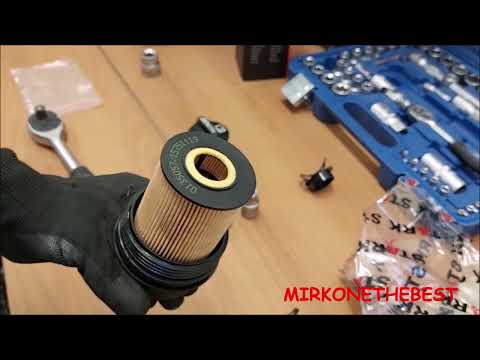
In today's video, you will see how to carry out a complete basic service on the Opel Astra K, which is the previous generation of the German manufact…

Vauxhall Astra
(2015-2022 /
Astra K)
In a few simple steps, we will see how to reset the tire pressure warning light on the Opel Astra; before resetting the TPMS sensors, it is necessary…
Other guides you may be interested in
|
How to Replace the Battery in a BMW 2 Series Active Tourer?
To replace the battery in a BMW 2 Series Active Tourer, open the hood to access the components in the engine compartment: in the upper right corner, just below the windshield on the driver's side, you will find a panel to remove. The battery is located under this panel and can be removed by loosening the screws that secure it and disconnecting the power cables; this will allow you to connect and install the new battery to ensure everything functions correctly. by ScegliAuto More videos
|
|
For advertising on this site Write to info@scegliauto.com
ScegliAuto is not responsible for any inaccuracy of the data in the lists. To report any inaccuracy or your business (if you own the business in question), please write to info@scegliauto.com
Number of seconds to generate the page: 0.031
(c) ScegliAuto 2026 - info@scegliauto.com - Privacy policy VAT number: IT01247470535 |
