
|
Do it yourself
| |||
| ||||


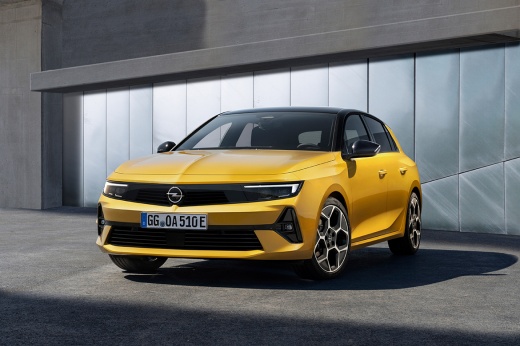
How to Adjust Settings on the Opel Astra Display?
Model: Vauxhall Astra
- Years:
2021, 2022, 2023, 2024, 2025, 2026
Video tutorial
The display of the Opel Astra, located above the central dashboard, is touchscreen, so many commands are activated and deactivated directly via the buttons provided. In addition to these buttons, there are also physical buttons located below the display. It is easy to imagine what can be adjusted DIY, such as setting front lights, radio channels, navigation, and much more. Accessing the various sections is very simple and intuitive, making it nearly impossible to go wrong, and indeed the efficiency of such displays in recent vehicles is fundamental.
Posted on 19 October 2026 by ScegliAuto
Related tutorials
Vauxhall Astra
(2004-2010 /
Astra H)
Setting the clock in the Opel Astra, in this case referring to the H series, is made easy by the video guide uploaded here. Let's observe this guide …

Vauxhall Astra
(2004-2010 /
Astra H)
To remove the dashboard on an Opel Astra H, follow these steps. Remove the central dashboard trim: pry between the central dashboard trim and the ven…
Vauxhall Astra
(2009-2016 /
Astra J)
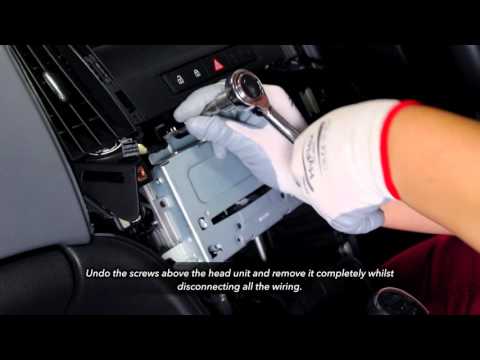
How to remove the dashboard panel under the radio? Let's see the disassembly on an Opel Astra. Remove the gear lever gaiter trim by prying it off wit…
Other guides you may be interested in
|
How to Reset the Tyre Warning Light on the Suzuki Swift
If the orange tyre warning light on the instrument cluster of your latest Suzuki Swift remains illuminated despite no loss of pressure, don't worry because you can easily reset it by following this procedure. First, get into the driver's seat and start the ignition, then press and hold the button located below the speedometer and release it as soon as the menu screen appears on the display. At this point, select "TPMS" and then press "TPMS Mode". Finally, select the "Load Mode" option and proceed with the manual reset of the warning light. by ScegliAuto More videos
|
|
For advertising on this site Write to info@scegliauto.com
ScegliAuto is not responsible for any inaccuracy of the data in the lists. To report any inaccuracy or your business (if you own the business in question), please write to info@scegliauto.com
Number of seconds to generate the page: 0.020
(c) ScegliAuto 2026 - info@scegliauto.com - Privacy policy VAT number: IT01247470535 |
