
|
Do it yourself
| |||
| ||||


How to reset the oil service on the Opel Mokka?
Model: Vauxhall Mokka
Mokka A
- Years 2012-2019
Resetting the oil service in the Opel Mokka, as we can see in this tutorial, is an extremely simple and quick operation. Before proceeding, make sure that you have completed the required scheduled maintenance work. Let's start by getting inside the vehicle, then turn on the instrument panel and, using the "MENU" button located on the left lever, navigate to the right screen of the display. Scroll through the various options using the rotary dial, reach the remaining oil life, and press the "SET/CLR" button. Finally, confirm the reset and restart the vehicle.
Posted on 31 January 2024 by ScegliAuto
Video tutorial
Related tutorials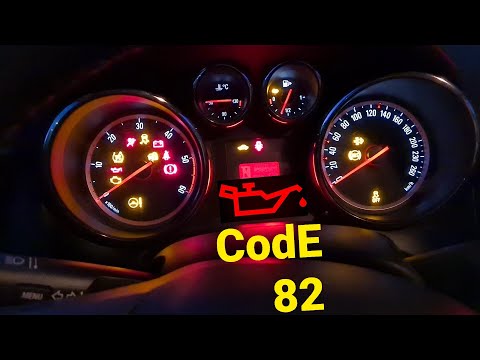
Vauxhall Mokka
(2012-2019 /
Mokka A)
In this tutorial, we can see how to reset the oil service in the Opel Mokka, an extremely simple and quick operation, to be carried out only after co…
Vauxhall Mokka
(2012-2019 /
Mokka A)
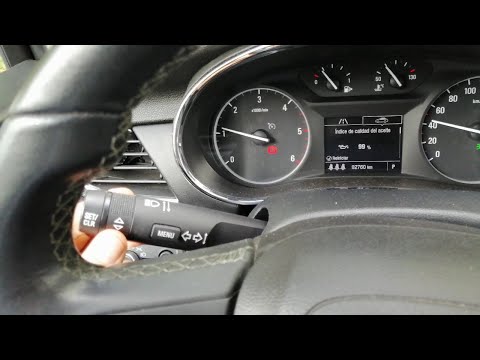
In this tutorial we can see how to reset the oil service in the Opel Mokka, an extremely simple and fast operation. Before proceeding, make sure you …
Vauxhall Mokka
(2012-2019 /
Mokka A)
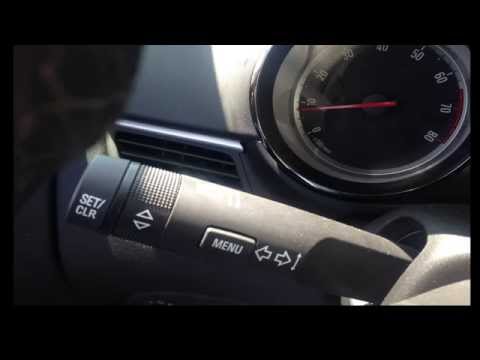
In this video, learn how to reset the oil service indicator on an Opel Mokka. The process is very simple: enter the vehicle, turn on the ignition, an…
Other guides you may be interested in |
How to Remove the Door Panel on a Renault Megane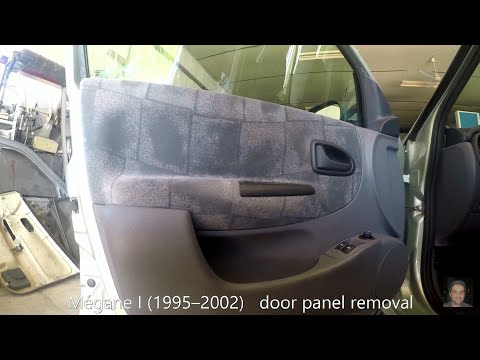
How do you remove the door panel on a Renault Megane? Follow these steps for disassembly. Before starting, disconnect the battery terminals located in the boot. Use a lever to remove the plastic cover of the release handle, then remove the handle cover on the panel. Using a screwdriver, unscrew the securing screws located in the plastic handle. Once all screws are removed, use the lever to detach the window switch panel, the speaker, and all the plastic clips securing the door. Pull the door panel away by hand, disconnect any power connectors and release cable. by ScegliAuto More videos
|

|
For advertising on this site Write to info@scegliauto.com
ScegliAuto is not responsible for any inaccuracy of the data in the lists. To report any inaccuracy or your business (if you own the business in question), please write to info@scegliauto.com
Number of seconds to generate the page: 0.052
(c) ScegliAuto 2026 - info@scegliauto.com - Privacy policy VAT number: IT01247470535 |
