
|
Do it yourself
| |||
| ||||


How to Change the Buttons on a Peugeot 107 Key
Model: Peugeot 107
MK 1
- Years 2005-2014
It often happens that pressing the lock and unlock buttons on the remote key does not activate the locks, and it may not be due to a flat battery but rather damaged buttons on the remote itself. Replacing them is quite simple if you have a soldering iron and some familiarity with this type of repair. Once you have purchased the new buttons, remove the screw securing the key shells and open them to extract the electronic circuit to which the buttons are soldered. Desolder the old buttons and apply the new ones, cleaning the circuit of excess flux before finally closing the remote.
Updated on 28 February 2026 by ScegliAuto
This video is currently unavailable
Related tutorials
…

Peugeot 107
(2005-2014 /
MK 1)
Today's instructions will show us how to change the time on the small central display of the Peugeot 107, as well as the Citroen C1 and Toyota Aygo. …
Peugeot 107
(2005-2014 /
MK 1)
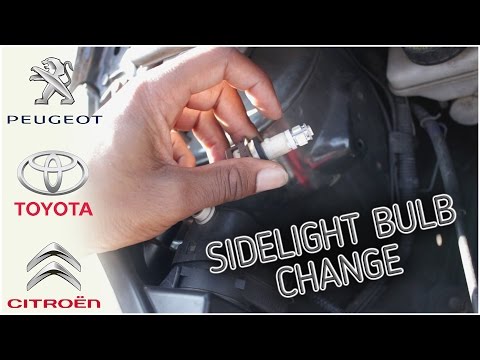
Let's see how to change the bulbs located in the front headlight of a Peugeot 107: open the bonnet by pulling the lever located at the bottom right o…
Other guides you may be interested in
|
Where is the Spare Wheel in the Peugeot 5008?
This video shows where the spare wheel is located in the Peugeot 5008 and how to access it, useful in case of a puncture. As shown, the wheel is not in the usual boot compartment but underneath it, outside the vehicle. To free the wheel, first gather the tools provided, then open the boot, locate the small indicated hatch, and open it. Next, loosen the bolt just released using the large socket wrench enough to lower the wheel to the ground. by ScegliAuto More videos
|
|
For advertising on this site Write to info@scegliauto.com
ScegliAuto is not responsible for any inaccuracy of the data in the lists. To report any inaccuracy or your business (if you own the business in question), please write to info@scegliauto.com
Number of seconds to generate the page: 0.213
(c) ScegliAuto 2026 - info@scegliauto.com - Privacy policy VAT number: IT01247470535 |
