
|
Do it yourself
| |||
| ||||


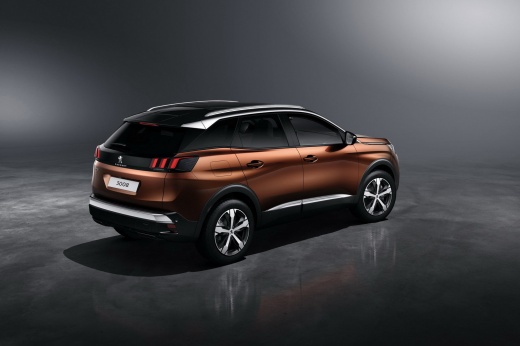
How to reset the infotainment screen on the Peugeot 3008?
Model: Peugeot 3008
P84, MK 2
- Years:
2016, 2017, 2018, 2019, 2020, 2021, 2022, 2023
Video tutorial
Assuming it is not a genuine hardware or electronic fault with the mentioned screen, for which it is inevitable to go to a specialised technical assistance centre, if you find yourself facing a black and frozen screen, you could attempt a DIY reset of the software. How to proceed? The solution is simple; you will need to disconnect the 12-volt battery that powers the vehicle, wait ten to fifteen minutes, and reconnect it. This should be sufficient to restore all functions of the screen, allowing you to use it fully.
Posted on 29 August 2026 by ScegliAuto
Related tutorials
Peugeot 3008
(2016-2023 /
P84, MK 2)
To reset the infotainment system of the Peugeot 3008, turn on the instrument cluster by inserting the key into the ignition: once the instrument clus…

Peugeot 3008
(2016-2023 /
P84, MK 2)
To reset the infotainment system of the Peugeot 3008, you will need to turn on the instrument panel by inserting the ignition key into the ignition s…

Peugeot 3008
(2016-2023 /
P84, MK 2)
The infotainment system of the Peugeot 3008 is accessible by inserting the ignition key into the slot, so that it is possible to turn on the central …
Other guides you may be interested in |
Frequently Asked QuestionsHow to Set the Time in an Audi A4?
In this tutorial, you will see how to set the time in an Audi A4, a very simple and quick operation to perform after replacing the battery or when the time changes. First, insert the key and turn on the instrument cluster. Then, press the "SETUP" button located on the center console. Next, press the upper left arrow button, navigate to the "Time" option, and use the central knob to adjust the clock. Finally, set any necessary formats and save by returning to the main screen. by ScegliAuto More videos
|
|
For advertising on this site Write to info@scegliauto.com
ScegliAuto is not responsible for any inaccuracy of the data in the lists. To report any inaccuracy or your business (if you own the business in question), please write to info@scegliauto.com
Number of seconds to generate the page: 0.045
(c) ScegliAuto 2026 - info@scegliauto.com - Privacy policy VAT number: IT01247470535 |
