
|
Do it yourself
| |||
| ||||


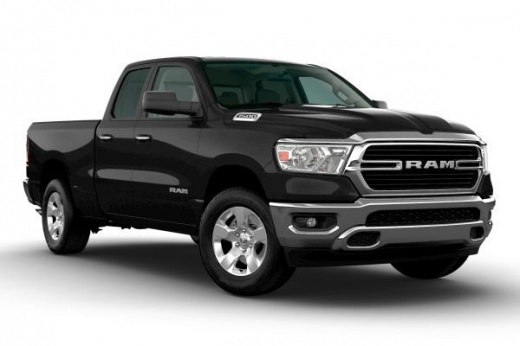
How do i reset the uConnect system on the Dodge Ram?
Model: RAM 1500
MK 5, DT
- Years 2019-2026
In order to reset the Dodge RAM uConnect system, you must go inside the passenger compartment and turn on the instrument panel. You will need to select the gear icon in order to access the settings. Here there will be the "Reset" item which, once selected, will allow you to access another drop-down menu, in which you will need to select the "Reset information" item. To be able to confirm the restoration of the information, select "Ok" and all uConnect settings will return to the factory settings. After the reset it will be possible to switch off the instrument panel.
Posted on 1 November 2021 by ScegliAuto
Video tutorial
Related tutorials
RAM 1500
(2009-2019 /
DS, DJ, MK 4)
In order to reset the Dodge Ram's uConnect system, you need to insert the key and turn on the instrument panel, so you can turn on the central dashbo…

RAM 1500
(2019-2026 /
MK 5, DT)
In order to perform a reset of the uConnect system of the RAM 1500 car radio, you will need to insert the ignition key and turn on the instrument pan…

RAM 1500
(2019-2026 /
MK 5, DT)
The uconnect system mentioned above allows the management of connections, via Bluetooth, between the phone or other device and the car radio, giving …
Other guides you may be interested in |
Fuse Replacement on Fiat Grande Punto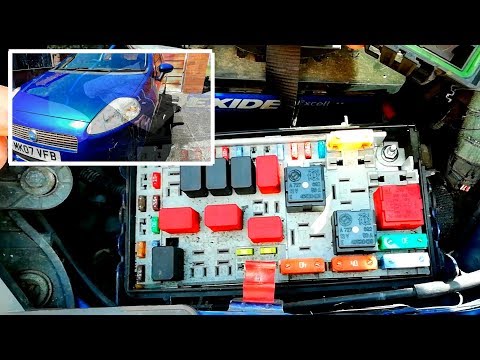
Fuse replacement on the Fiat Grande Punto? Let's see where they are located. Open the door and enter the cabin, then open the glove compartment in the front dashboard (you will find the fuses there). You will also find fuses in the engine compartment: open the front bonnet and remove the cover near the battery using a plastic lever. Use pliers to disconnect the damaged fuses located in the compartment. Once this is done, insert the new fuses into the designated slots in the compartment. Close the fuse inspection box with the cover. by ScegliAuto More videos
|
|
For advertising on this site Write to info@scegliauto.com
ScegliAuto is not responsible for any inaccuracy of the data in the lists. To report any inaccuracy or your business (if you own the business in question), please write to info@scegliauto.com
Number of seconds to generate the page: 0.046
(c) ScegliAuto 2026 - info@scegliauto.com - Privacy policy VAT number: IT01247470535 |
