
|
Do it yourself
| |||
| ||||


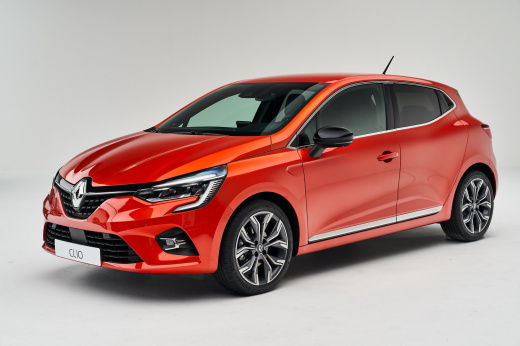
How do you remove the rear door panel of the Renault Clio?
Model: Renault Clio
Clio V, Clio 5
- Years:
2019, 2020, 2021, 2022, 2023, 2024, 2025, 2026
Video tutorial
In order to remove the rear door panel of the Renault Clio, you first need to use a tool to pry off the window crank handle. Once this is removed, you can proceed by loosening the screws that secure the panel to its housing. The screws will be located under the armrest and in the inner handle slot. Once loosened, you can use a tool to pry off the internal clips and then disconnect the connectors. At this point, you can insert the new panel, secure it properly, and connect the connectors.
Posted on 1 December 2024 by ScegliAuto
Related tutorials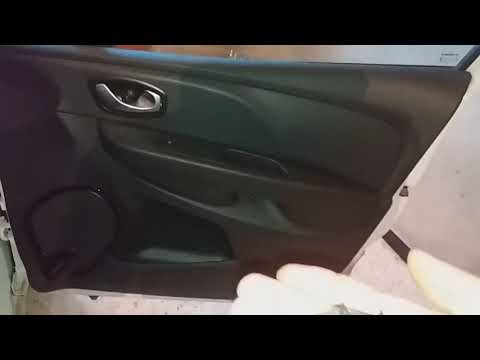
Renault Clio
(2012-2019 /
Clio IV, Clio 4, MK 4)
This guide shows you how to remove and replace the front door panel of the Renault Clio. First, open the front or rear door and start removing the pl…
Renault Clio
(2012-2019 /
Clio IV, Clio 4, MK 4)
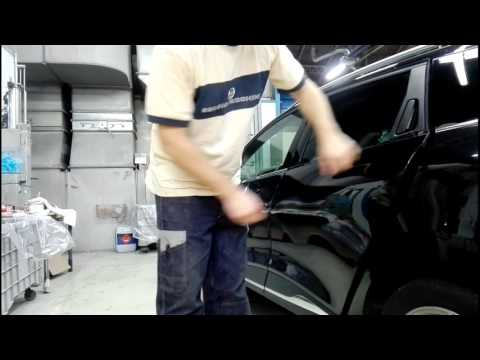
In this video, you will see the steps to remove the external door handle from the rear door of the fourth series Renault Clio. First, open the rear d…

Renault Clio
(1998-2005 /
MK 2, Clio 2)
This guide briefly outlines the steps to remove and replace the rear door panel of the Renault Clio. First, open the rear door and start unscrewing t…
Other guides you may be interested in |
How to Set the Time on an Audi A6
Briefly, we will see the instructions to set the time on the Audi A6 by following these simple steps. First, get inside the vehicle and turn on the instrument cluster; then press the settings button and navigate to the time option to confirm your choice, as shown in the video. At this point, set the correct time and format, then exit the settings menu to save the changes made; finally, start the engine and ensure that the time has been set correctly! by ScegliAuto More videos
|
|
For advertising on this site Write to info@scegliauto.com
ScegliAuto is not responsible for any inaccuracy of the data in the lists. To report any inaccuracy or your business (if you own the business in question), please write to info@scegliauto.com
Number of seconds to generate the page: 0.015
(c) ScegliAuto 2026 - info@scegliauto.com - Privacy policy VAT number: IT01247470535 |
