
|
Do it yourself
| |||
| ||||


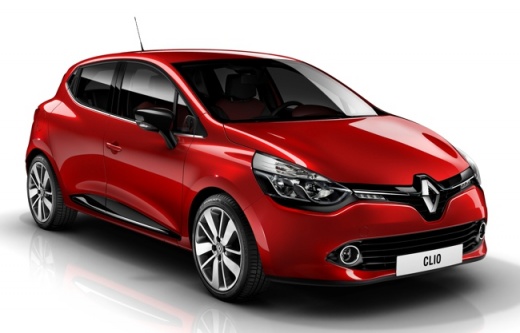
How to reset the TPMS light of the Renault Clio 4
Model: Renault Clio
MK 4, Clio 4, Clio IV
- Years 2012-2019
Today we will explain how to reset the TPMS light on the Renault Clio 4. To reset the light, we need to turn on the instrument panel and press the BC button located on the left lever of the steering wheel. Within the settings menu, select the TPMS reset option and while holding down the button, automatically update the tire pressure. Before performing this operation, we remind you that it is necessary to adjust the tire pressure of the front and rear tires using the guidelines provided by the manufacturer. Once the reset operation is complete, return to the main menu and restart the instrument panel.
Posted on 5 April 2025 by ScegliAuto
Video tutorial
Related tutorials
Renault Clio
(2019-2026 /
Clio 5, Clio V)
Today we will see how to reset the tire pressure warning light (TPMS) of the Renault Clio; before performing the reset, it is necessary that all four…

Renault Clio
(2012-2019 /
MK 4, Clio 4, Clio IV)
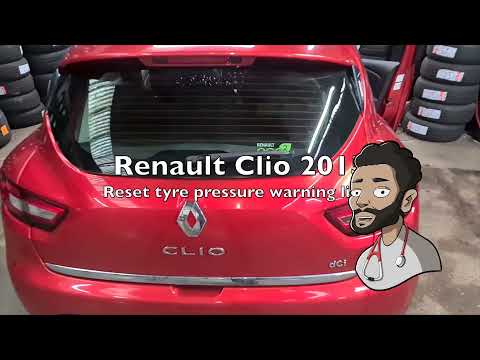
Today we will see how to reset the tire pressure monitoring system (TPMS) light on a Renault Clio. To perform the reset operations, we need to turn o…
Renault Clio
(2012-2019 /
MK 4, Clio 4, Clio IV)
Today we will see, in this video tutorial, how to reset the tire pressure warning light (TPMS) that appears on the dashboard on the fourth series Ren…
Other guides you may be interested in
|
Frequently Asked QuestionsHow to Replace the Gear Knob on a Mini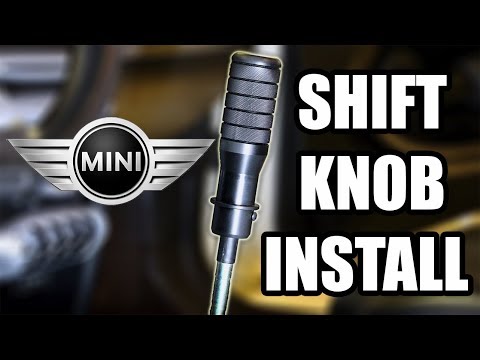
Want to replace the gear knob on a Mini? Follow these steps for the replacement: first, take the knob in your hands and rotate it left and right until you remove it from the gear stick. Use a plastic lever to disconnect the leather gaiter frame (if it needs replacing). For reassembly: fit the new leather gaiter with the clips (if removed), then take the new knob and push it onto the stick in the centre console until it is secured. Finally, test the movement of the stick in the centre console to ensure the knob is correctly fitted. by ScegliAuto More videos
|
|
For advertising on this site Write to info@scegliauto.com
ScegliAuto is not responsible for any inaccuracy of the data in the lists. To report any inaccuracy or your business (if you own the business in question), please write to info@scegliauto.com
Number of seconds to generate the page: 0.093
(c) ScegliAuto 2026 - info@scegliauto.com - Privacy policy VAT number: IT01247470535 |
