
|
Do it yourself
| |||
| ||||


How to reset the AdBlue warning light on the Renault Trafic.
Model: Renault Trafic
MK 3
- Years 2014-2026
The method for resetting the AdBlue warning light on the Renault Master illustrated in the video refers to the use of an OBD2 scanner capable of communicating with the Urea Dosing ECU, which not all budget scanners can do. We then connect the scanner and select the AdBlue module. We read the stored fault codes that may indicate issues related to the additive level. If this problem has been resolved, we can clear the code. If the scanner has the function to reset the mileage counter (like the one in the video), let's use it, then disconnect the scanner and check if the warnings have disappeared.
Posted on 19 December 2025 by ScegliAuto
Video tutorial
Related tutorials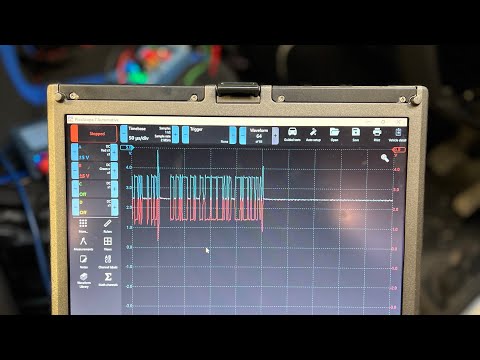
Renault Trafic
(2001-2014 /
MK 2)
In order to reset the AdBlue warning light on the Renault Trafic, first you need to refill the tank with the necessary amount of additional fluid; af…

Renault Trafic
(2014-2026 /
MK 3)
The instructions in this guide will show us how to reset the AdBlue liquid top-up warning of the Renault Trafic Van. Before resetting the AdBlue warn…

Renault Trafic
(2014-2026 /
MK 3)
The following steps will allow us to reset the AdBlue fluid refill warning on the Renault Trafic; before resetting the warning light, it is necessary…
Other guides you may be interested in
|
Frequently Asked QuestionsHow to Replace the Thermostat on a Fiat Punto 2 Series 8v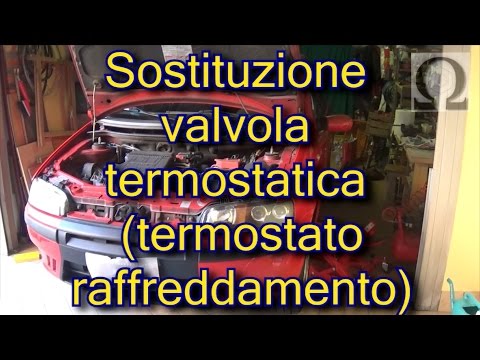
When replacing the thermostat, it is advisable to drain the coolant system completely. The thermostat is located just above the gearbox, directly under the ignition coils. To facilitate the replacement, disconnect the intake duct hose and remove the coil pack. At this point, disconnect the connector from the thermostat and proceed to remove the corresponding fixing pins to replace it with the new one, ensuring to use a new gasket. by ScegliAuto More videos
|
|
For advertising on this site Write to info@scegliauto.com
ScegliAuto is not responsible for any inaccuracy of the data in the lists. To report any inaccuracy or your business (if you own the business in question), please write to info@scegliauto.com
Number of seconds to generate the page: 0.049
(c) ScegliAuto 2026 - info@scegliauto.com - Privacy policy VAT number: IT01247470535 |
