
|
Do it yourself
| |||
| ||||


How to Reset the Service Indicator on Renault Captur
Model: Renault Captur
MK 1
- Years 2013-2019
How to reset the maintenance service indicator on a Renault Captur? It’s a very simple operation: enter the vehicle, turn on the ignition with the remote key, press the buttons located near the steering wheel, and find the menu with the maintenance message. Press the buttons on the right side of the steering wheel to confirm the service reset selection, choose the new service message (input the mileage for the next alert) and confirm with the right buttons. The instrument panel will display the completed maintenance; double-check everything and turn off the ignition.
Updated on 8 March 2026 by ScegliAuto
Video tutorial
Related tutorials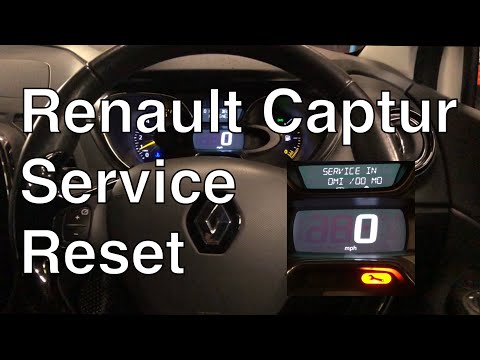
Renault Captur
(2013-2019 /
MK 1)
To reset the "service" warning light on the Renault Captur carry out the following procedure: turn on the ignition but do not start the engine; press…
Renault Captur
(2013-2019 /
MK 1)
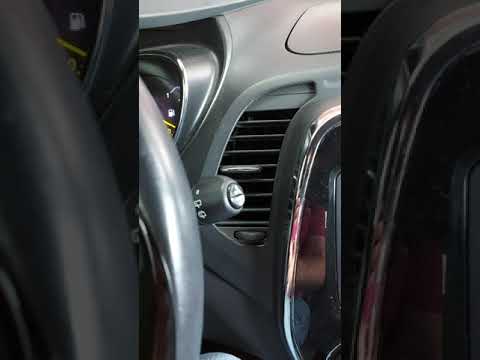
To be able to reset the Renault Captur's Service light, you need to go and turn on the instrument panel, so that you can move within the menu: to do …
Renault Captur
(2019-2026 /
MK 2)
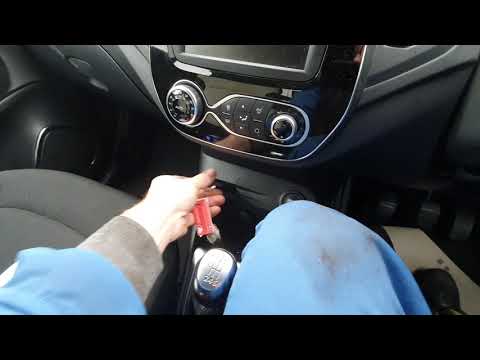
Resetting the service in the Renault Captur is very simple, let's see how to proceed in this tutorial. Obviously, this operation should only be carri…
Other guides you may be interested in
|
Frequently Asked QuestionsHow to Replace a Headlight Bulb on a Ford Focus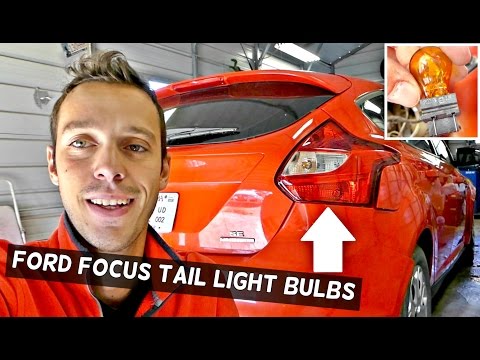
How do you replace a rear headlight bulb on a Ford Focus? Let's see how to do it in this video. This operation is very simple to carry out. Open the boot and remove the plastic cover from the side trim. Unscrew the retaining screws of the lamp unit, then pull it out by hand from the car's bodywork. Disconnect the power connectors, taking care not to damage them. Once the rear light is removed, replace the damaged bulbs. After completing this operation, reassemble everything in reverse order. Finally, check that the lights are functioning correctly. by ScegliAuto More videos
|

|
For advertising on this site Write to info@scegliauto.com
ScegliAuto is not responsible for any inaccuracy of the data in the lists. To report any inaccuracy or your business (if you own the business in question), please write to info@scegliauto.com
Number of seconds to generate the page: 0.109
(c) ScegliAuto 2026 - info@scegliauto.com - Privacy policy VAT number: IT01247470535 |
