
|
Do it yourself
| |||
| ||||


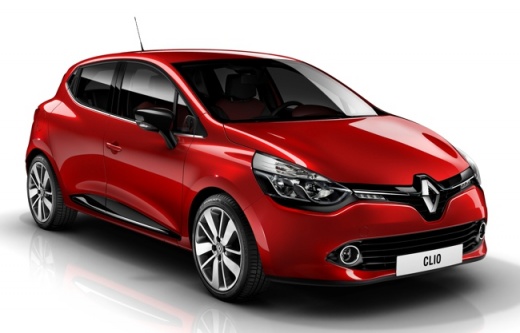
How to Update the Maps on a Renault Clio IV
Model: Renault Clio
Clio IV, Clio 4, MK 4
- Years:
2012, 2013, 2014, 2015, 2016, 2017, 2018, 2019
Video tutorial
To update the navigation maps on a Renault Clio IV, you need to download the updated map (usually from the official Renault website or the dedicated portal) and install the files on a USB stick formatted in FAT32, which you will then connect to the vehicle. Insert the USB stick into the designated port of the Clio IV located in the centre console and access the navigation menu from the main display. Go to "options" and select "map update" and choose "update". The car will automatically search for the update on the USB. Do not turn off the car or remove the USB during the process.
Posted on 26 March 2026 by ScegliAuto
Related tutorials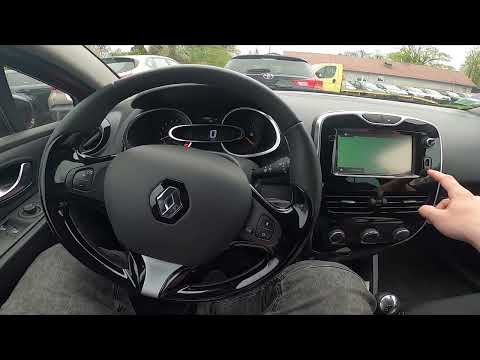
Renault Clio
(2012-2019 /
Clio IV, Clio 4, MK 4)
In this video, see how to update the maps of the Renault Clio IV: you will need to have it installed on an external memory that can be connected to t…
Renault Clio
(2019-2026 /
Clio V, Clio 5)
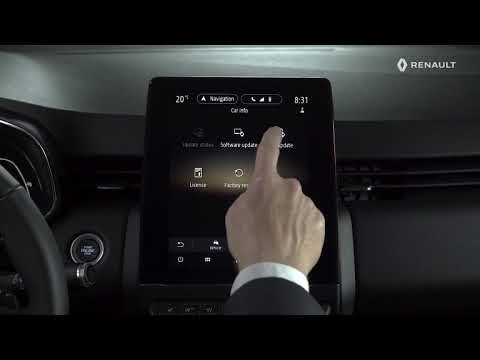
In this video, see how to update the maps on the Renault Clio V using the Easy Link system from the multimedia screen. From the main screen, press th…
Renault Clio
(2012-2019 /
Clio IV, Clio 4, MK 4)
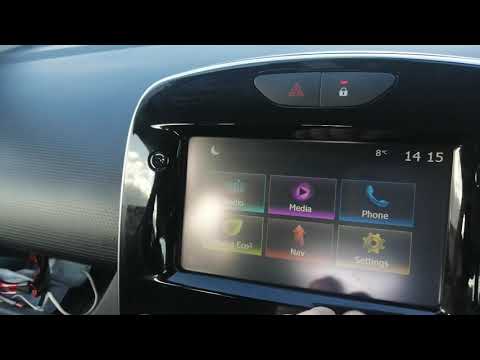
Below are the main steps to restore and update the Medianav multimedia system in the Renault Clio, as well as in the Captur. First, get into the vehi…
Other guides you may be interested in |
Frequently Asked QuestionsHow to Set the Time in an Audi A4?
In this tutorial, you will see how to set the time in an Audi A4, a very simple and quick operation to perform after replacing the battery or when the time changes. First, insert the key and turn on the instrument cluster. Then, press the "SETUP" button located on the center console. Next, press the upper left arrow button, navigate to the "Time" option, and use the central knob to adjust the clock. Finally, set any necessary formats and save by returning to the main screen. by ScegliAuto More videos
|
|
For advertising on this site Write to info@scegliauto.com
ScegliAuto is not responsible for any inaccuracy of the data in the lists. To report any inaccuracy or your business (if you own the business in question), please write to info@scegliauto.com
Number of seconds to generate the page: 0.017
(c) ScegliAuto 2026 - info@scegliauto.com - Privacy policy VAT number: IT01247470535 |
