
|
Do it yourself
| |||
| ||||


How Do I Replace the Key Battery of the 2010 Renault Clio?
Model: Renault Clio
MK 3, Clio 3, Clio III
- Years 2005-2013
The key of the 2010 Renault Clio uses a CR2018 button battery for operation, which you can replace independently by following the steps shown in the video. Before you start, in addition to the new battery, get a small flat screwdriver. You won't need anything else. With the screwdriver, unscrew the screw on the back of the remote and then leverage in the appropriate slot to open the casing. The battery, now accessible, can be removed directly with your fingers or, if it's awkward, you can help yourself with the screwdriver. Now you just need to insert the new battery, close the casing, and tighten the screw.
Posted on 6 October 2026 by ScegliAuto
Video tutorial
Related tutorials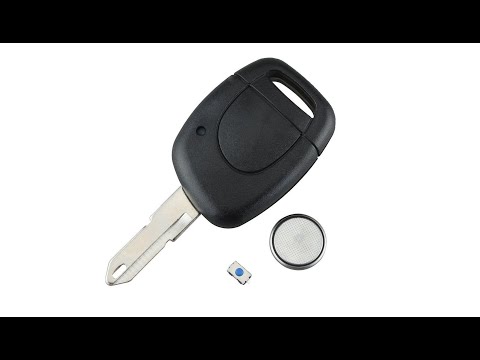
Renault Clio
(1998-2005 /
Clio 2, MK 2)
Start by prising open the rear side of the key fob for your Renault Clio. Next, using a flathead screwdriver, lever out and remove the key battery. T…

Renault Clio
(2012-2019 /
Clio IV, MK 4, Clio 4)
In the following guide, we will help you complete the replacement of the battery in your Renault Clio Mk4 safely and quickly. First of all, make sure…
Renault Clio
(2005-2013 /
MK 3, Clio 3, Clio III)
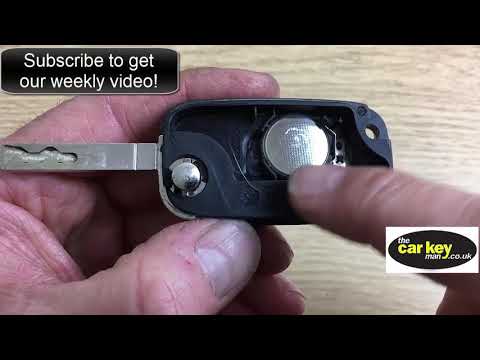
Before starting, open the physical key of your Renault Clio by pressing the unlock button. Using a thin but sturdy tool, lever off and remove the bac…
Other guides you may be interested in
|
How to Activate Bluetooth on the BMW 1 Series?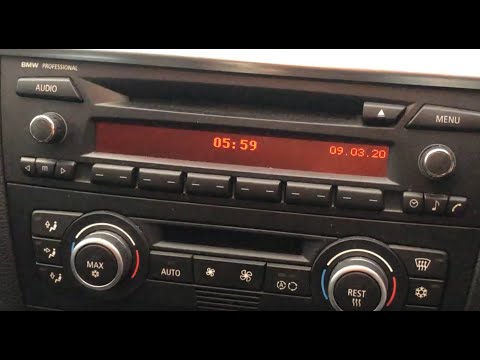
To activate Bluetooth on the BMW 1 Series, turn on the ignition so you can press the MENU button on the central control panel. This will allow you to select the "TEL" option to make the device visible. Then, connect to the radio using your mobile phone, selecting the device called "BMW" followed by a five-digit code. This code must be entered using the radio controls, confirming with OK. After entering and confirming, you will notice that the pairing between the devices has occurred. by ScegliAuto More videos
|

|
For advertising on this site Write to info@scegliauto.com
ScegliAuto is not responsible for any inaccuracy of the data in the lists. To report any inaccuracy or your business (if you own the business in question), please write to info@scegliauto.com
Number of seconds to generate the page: 0.831
(c) ScegliAuto 2026 - info@scegliauto.com - Privacy policy VAT number: IT01247470535 |
