
|
Do it yourself
| |||
| ||||



How to reset the tyre pressure on a Renault Megane IV
Model: Renault Megane
Megane 4, Megane IV
- Years 2015-2023
Video tutorial
Detailed instructions - To reset the tyre pressure warning light on a Renault Mégane IV, when the message appears on the dashboard, it means it's time to check the pressure. After inflating the tyres to the correct pressure, get back in the car and turn on the ignition. The message will appear on the display to indicate that pressure needs to be checked. Once done, to reset the system, access the menu and click on the icon. Then select Vehicle Info and click. Choose Tyre Pressure. Follow the instructions: check and adjust the cold pressure of all four tyres to the recommended value. Then, with the vehicle stationary, initialise the tyre pressure monitoring system. Confirm that you have checked the pressure. At this point, the system will re-initialise: the error message will disappear from the dashboard. You can return to the main menu and drive away safely.
Posted on 6 October 2026 by ScegliAuto
Related tutorials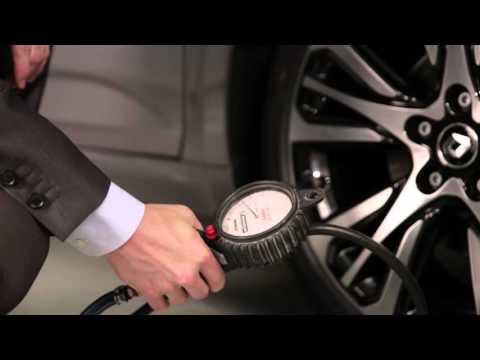
Renault Megane
(2015-2023 /
Megane 4, Megane IV)
The tyre pressure monitoring system on a Renault Megane allows you to monitor the current inflation pressure, displaying this data on the instrument …
Renault Megane
(2008-2015 /
Megane III, Megane 3)
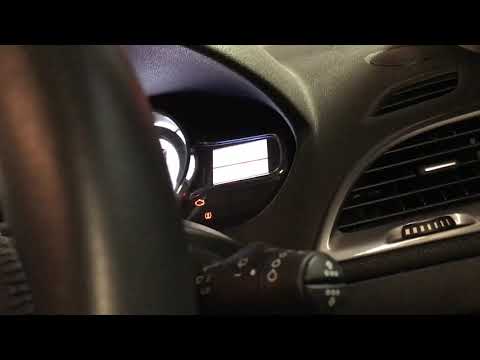
Follow these steps to reset the tyre pressure on your Renault Megane. Turn on the instrument panel with the key card, press the button located near t…

Renault Megane
(2015-2023 /
Megane 4, Megane IV)
Let's see how to reset the tire maintenance light on a Renault Megane IV: turn on the ignition, and using the keypad located on the right side of the…
Other guides you may be interested in
|
How to Adjust the Time on a Toyota Yaris Cross Hybrid
In this article, you will learn how to adjust the time on the display of a Toyota Yaris Cross Hybrid. The procedure is simple and quick, taking less than 1 minute to complete. To adjust the time, start the display without starting the engine, then scroll through the menu using the right arrow button until you reach the settings. The first option is for the time; select it by pressing OK. Then, use the right or left arrow buttons to select hours or minutes, and use the up and down arrow buttons to adjust the hours and minutes. Once the time is set, press OK to confirm. by ScegliAuto More videos
|
|
For advertising on this site Write to info@scegliauto.com
ScegliAuto is not responsible for any inaccuracy of the data in the lists. To report any inaccuracy or your business (if you own the business in question), please write to info@scegliauto.com
Number of seconds to generate the page: 0.125
(c) ScegliAuto 2026 - info@scegliauto.com - Privacy policy VAT number: IT01247470535 |
