
|
Do it yourself
| |||
| ||||


Removing the Door Panel of a Renault Clio
Model: Renault Clio
Clio 2, MK 2
- Years 1998-2005
In today's tutorial, you will learn how to remove the internal door panel of a Renault Clio. First, open the front door and start by removing all the screws on the panel with a screwdriver: take out the screw located on the opening handle and the screws at the bottom. Then, remove the speaker grille and take out the screws for it; next, lever off the window switch and remove the entire piece: now you can begin to unclip the door panel by levering at multiple points on the sides and disconnecting the handle cable.
Updated on 30 March 2026 by ScegliAuto
Video tutorial
Related tutorials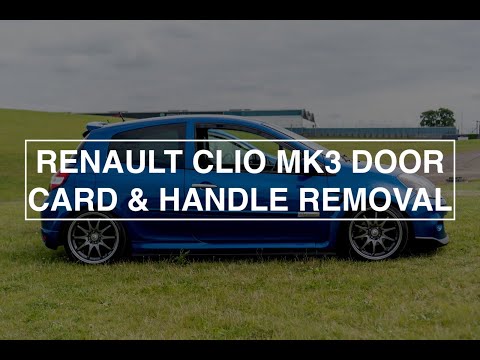
Renault Clio
(2005-2013 /
MK 3, Clio 3, Clio III)
In today’s video tutorial, you will learn how to remove the door panel of a third-generation Renault Clio. First, open the door and remove the grab h…
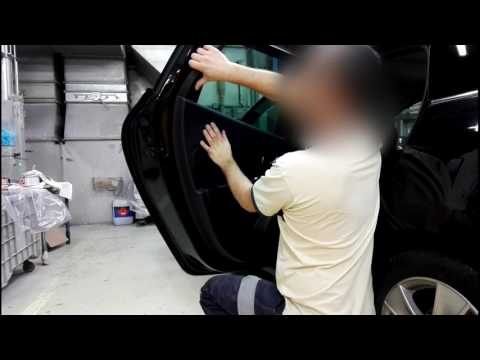
Renault Clio
(2012-2019 /
Clio IV, MK 4, Clio 4)
How do you remove the door panel on a Clio? Let's look at the door panel removal process. Before starting, disconnect the battery terminals located i…

Renault Clio
(2012-2019 /
Clio IV, MK 4, Clio 4)
The information provided in this guide will show us how to disassemble the front door panel of the Renault Clio, in simple steps. First, we open the …
Other guides you may be interested in
|
How to reset the tyre pressure warning light on the Suzuki Jimny?
To reset the tyre pressure warning light on the Suzuki Jimny, first inflate the tyres to the pressure value indicated on the corresponding sticker: this is located at the bottom of the driver's door pillar. Once the tyres are inflated, insert the ignition key and turn on the instrument panel: select the screen that indicates the tyre pressures, checking that the values change. After a few seconds, the tyre pressure warning light will automatically turn off. by ScegliAuto More videos
|
|
For advertising on this site Write to info@scegliauto.com
ScegliAuto is not responsible for any inaccuracy of the data in the lists. To report any inaccuracy or your business (if you own the business in question), please write to info@scegliauto.com
Number of seconds to generate the page: 0.156
(c) ScegliAuto 2026 - info@scegliauto.com - Privacy policy VAT number: IT01247470535 |
