
|
Do it yourself
| |||
| ||||


Instructions for Removing the Rear Bumper
Model: Renault Clio
Clio 2, MK 2
- Years 1998-2005
Place wheel chocks under the front wheels of the vehicle to safely lift the rear on suitable car stands; then remove the rear wheels (loosen the wheel fixing nuts before lifting the vehicle), the plastic wheel arch liners, and the Torx screws securing the bumper along the lower edge and the closure line of the bonnet. Next, remove the fixing pins for the bumper supports (two pins per side using a 10mm socket), remove the number plate light, and complete the removal of the bumper by carefully pulling it away from its housing.
Updated on 9 February 2026 by ScegliAuto
Video tutorial
Related tutorials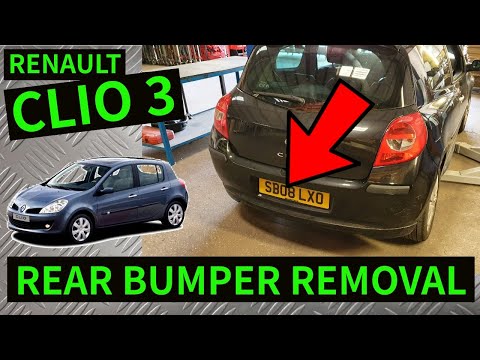
Renault Clio
(2005-2013 /
Clio 3, Clio III, MK 3)
In this tutorial we can see how to disassemble the rear bumper in the Renault Clio, an extremely simple and quick operation. First, we lift the rear …
Renault Clio
(1998-2005 /
Clio 2, MK 2)
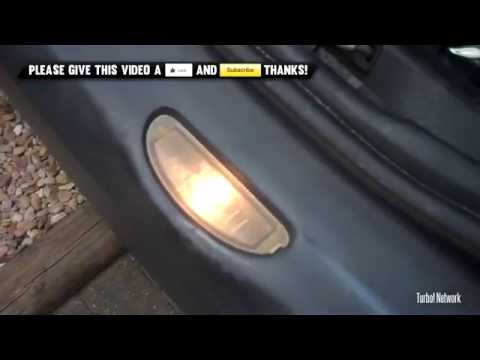
Let's see how to replace the bulb that illuminates the Renault Clio license plate. The spotlight of the license plate is placed in the rear bumper, l…

Renault Clio
(2012-2019 /
Clio IV, MK 4, Clio 4)
Today, we will explain how to remove the rear bumper of a Renault Clio IV. To disassemble the bumper, open the boot and remove the covers from the sc…
Other guides you may be interested in
|
BMW 2 Series Battery Replacement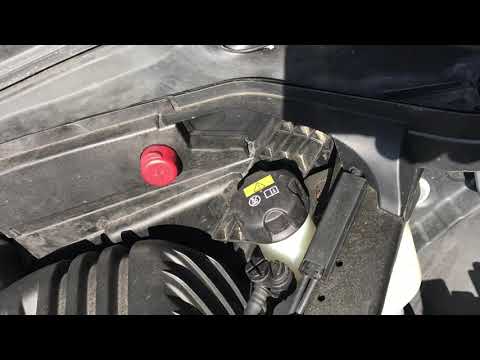
Replacing the battery in your BMW 2 Series? Let's go through the battery replacement in the engine compartment. You will find the battery in the engine compartment, under the protective covers. Lift the hood by releasing the latch with your fingers, then secure it. Once the engine compartment is open, you will see the battery. Remove the battery cover. Unscrew the battery terminal clamp bolts, then remove the battery from the engine compartment and replace it with a new one (same voltage). Close the hood after the replacement. Start the engine and check its operation. by ScegliAuto More videos
|
|
For advertising on this site Write to info@scegliauto.com
ScegliAuto is not responsible for any inaccuracy of the data in the lists. To report any inaccuracy or your business (if you own the business in question), please write to info@scegliauto.com
Number of seconds to generate the page: 0.084
(c) ScegliAuto 2026 - info@scegliauto.com - Privacy policy VAT number: IT01247470535 |
