
|
Do it yourself
| |||
| ||||


Reset the tire warning light on Renault Clio
Model: Renault Clio
MK 4, Clio 4, Clio IV
- Years 2012-2019
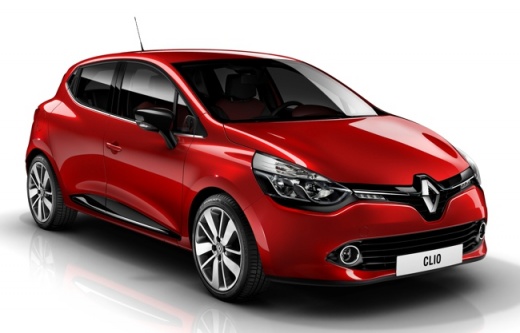
Let's see in this video tutorial how to reset the low tire pressure warning light on a fourth generation Renault Clio, produced from 2012 to 2019. Before starting it is important to make sure that all the tires have the correct pressure, the correct pressure à It is located inside the driver's side door. To reset, turn on the car's instrument panel but without starting it, now using the up arrow on the lever to the right of the steering wheel, open the minus and scroll to the TPW item, then press and hold the down arrow to start resetting the relative spy.
Posted on 22 April 2022 by ScegliAuto
Video tutorial
Related tutorials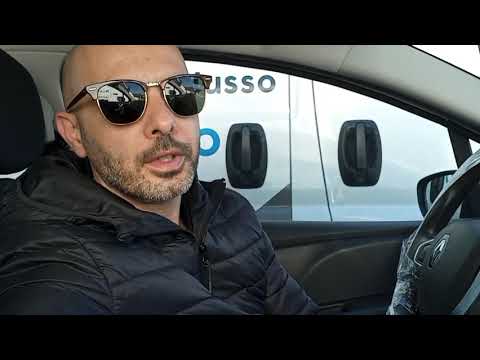
Renault Clio
(2005-2013 /
MK 3, Clio 3, Clio III)
How do you reset the tire pressure warning light on a Renault Clio? To reset the tire pressure warning light on a Renault Clio, you must first access…
Renault Clio
(2012-2019 /
MK 4, Clio 4, Clio IV)
The video shows how to reset the tire pressure warning light on a 2017 Renault Clio. It is an elementary operation that takes a few minutes and does …
Renault Clio
(2012-2019 /
MK 4, Clio 4, Clio IV)
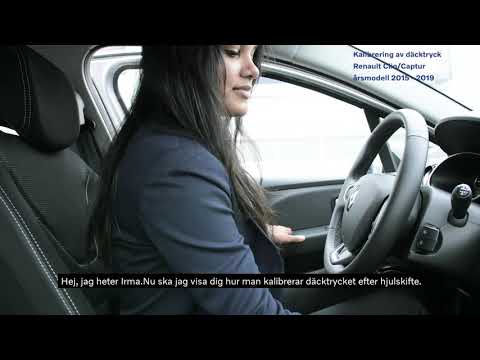
Let's see in this short and simple guide how to reset the tire pressure warning light (TPMS) of the Renault Clio. First of all we get on board the ca…
Other guides you may be interested in
|
How to Change the Dashboard of the Volkswagen Polo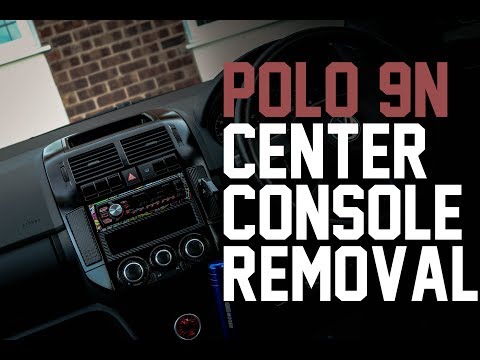
First, ensure your safety by disconnecting and lifting the bonnet to disconnect the battery cables. Next, start removing the components of the central column of the vehicle, where the stereo and various controls are located. After disconnecting the plugs, remove the bolts securing these parts to the bottom of the dashboard. Lift the central glove compartment with a screwdriver to remove it and unscrew the screws at the back. Now, simply remove the last screws indicated in the video to extract the entire central column, and you're done! by ScegliAuto More videos
|
|
For advertising on this site Write to info@scegliauto.com
ScegliAuto is not responsible for any inaccuracy of the data in the lists. To report any inaccuracy or your business (if you own the business in question), please write to info@scegliauto.com
Number of seconds to generate the page: 0.081
(c) ScegliAuto 2026 - info@scegliauto.com - Privacy policy VAT number: IT01247470535 |
