
|
Do it yourself
| |||
| ||||


How to update maps on the Renault Clio V.
Model: Renault Clio
Clio V, Clio 5
- Years 2019-2026
In this video, we will see how to update the maps of the Renault Clio V using the Easy Link system, which is accessed through the multimedia screen. From the main screen, press the "car info" button. In the new window, select the "system" option at the bottom, where we find five options. Click on the desired option: The "update status" menu shows the progress of the updates. "Software update" displays the firmware data. By clicking on "map update," you can update the maps, where all the loaded countries are displayed, with the preferred country marked by a flag. The menu allows you to start a complete update. By clicking on "factory reset," you will return to the factory settings, and in this case, all personal settings will be lost.
Posted on 6 October 2023 by ScegliAuto
Video tutorial
Related tutorials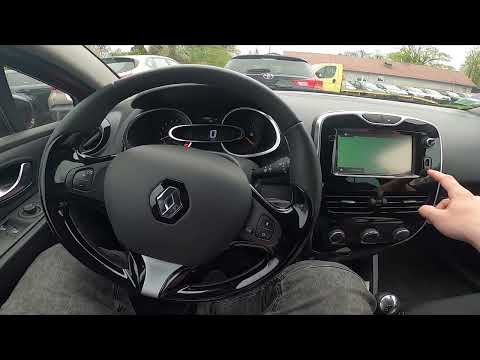
Renault Clio
(2012-2019 /
Clio IV, MK 4, Clio 4)
In this video we see how to update the maps of the Renault Clio IV: we will need to have it installed on the external memory that we can connect to t…

Renault Clio
(2012-2019 /
Clio IV, MK 4, Clio 4)
These short and simple instructions will show us how to update the Media Nav multimedia system and the navigator of the Renault Clio, as well as the …
Renault Clio
(2012-2019 /
Clio IV, MK 4, Clio 4)
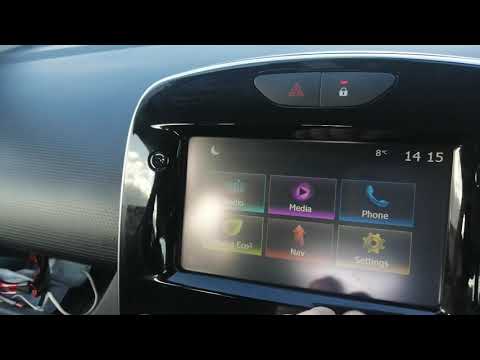
We will see below the main steps that will allow us to reset and update the Medianav multimedia system of the Renault Clio, but also of the Captur. F…
Other guides you may be interested in |
Frequently Asked QuestionsHow to Remove the Interior Light of a Mini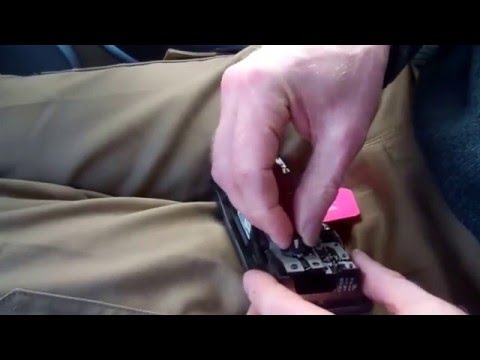
Remove the interior light of a Mini: use a screwdriver or plastic lever to pry between the cover and the light itself (avoid damaging the headlining), pull the cover out from the panel and disconnect the power connector after removing it. Replace the damaged bulb with a new one (same size and voltage). Refit the light into its housing (push it in with your hands until the metal clips are fully locked). Test the light's functionality before completely refitting the piece. by ScegliAuto More videos
|
|
For advertising on this site Write to info@scegliauto.com
ScegliAuto is not responsible for any inaccuracy of the data in the lists. To report any inaccuracy or your business (if you own the business in question), please write to info@scegliauto.com
Number of seconds to generate the page: 0.047
(c) ScegliAuto 2026 - info@scegliauto.com - Privacy policy VAT number: IT01247470535 |
