
|
Do it yourself
| |||
| ||||


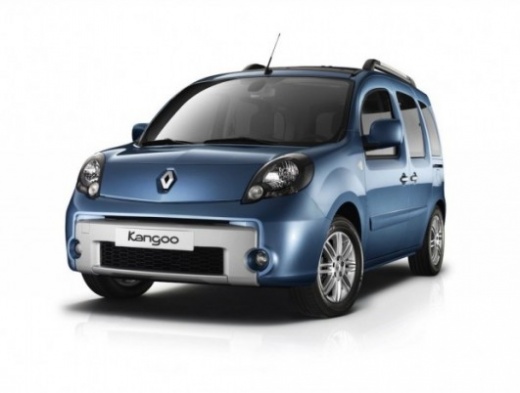
To reset the service light of the Renault Kangoo.
Model: Renault Kangoo
FW, MK 2, FC
- Years 2007-2021
Below we will see the procedure for resetting the service indicator for the regular oil change maintenance of the Renault Kangoo. First, we get into the car and turn on the instrument panel. Then, we press the up arrow button on the right lever until we reach the service option that appears on the display, as shown in the video. At this point, we press and hold the button until the mileage starts flashing and resets to zero. Then, we turn off the instrument panel and start the engine!
Posted on 29 October 2023 by ScegliAuto
Video tutorial
Related tutorials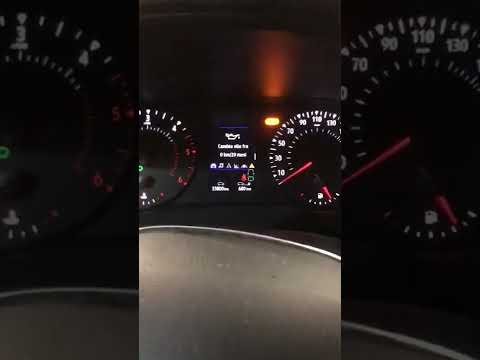
Renault Kangoo
(2007-2021 /
FW, MK 2, FC)
In today's video, we will see how to reset the service indicator on the currently available Renault Kangoo. First, we turn on the instrument panel of…
Renault Kangoo
(1997-2008 /
KW, KC, MK 1)
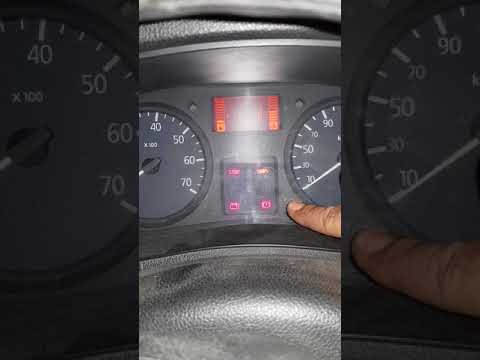
Let's see in this video how to reset the Renault Kangoo service coupon warning light. We turn on the instrument panel of our car with the key, press …
Renault Kangoo
(1997-2008 /
KW, KC, MK 1)
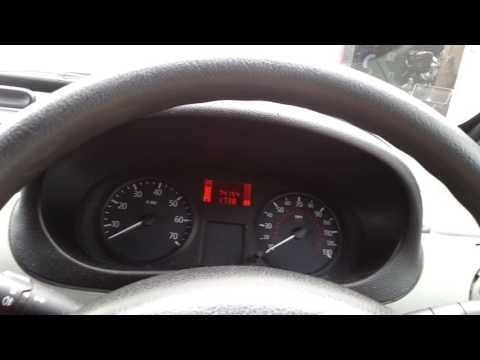
In order to reset the Renault Kangoo Service warning light, the key must be inserted to switch on the instrument panel. Once this has been switched o…
Other guides you may be interested in
|
Remove the Front Door Panel on Mercedes C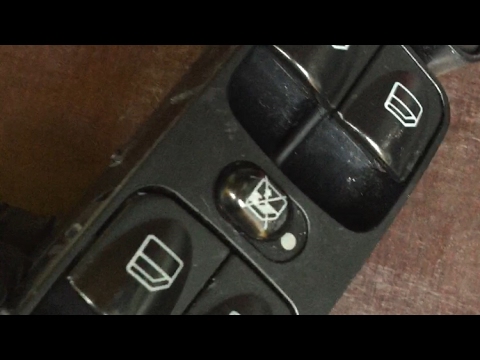
Remove the front door panel on Mercedes C to access the window switch assembly. Disconnect the battery terminals in the engine compartment. Use a screwdriver to remove the screws located in the upper lever opening area and the screws in the handle (after removing the plastic screw covers). Remove the trim near the lock, unscrew any remaining screws on the door panel, and detach the retaining clips. Finally, pull off the panel and disconnect it from the door (unplug the power harness and the opening cable). Unscrew or detach the retaining clips of the window switch assembly. by ScegliAuto More videos
|
|
For advertising on this site Write to info@scegliauto.com
ScegliAuto is not responsible for any inaccuracy of the data in the lists. To report any inaccuracy or your business (if you own the business in question), please write to info@scegliauto.com
Number of seconds to generate the page: 0.052
(c) ScegliAuto 2026 - info@scegliauto.com - Privacy policy VAT number: IT01247470535 |
