
|
Do it yourself
| |||
| ||||


Connecting an Aux Output for Mobile Phone
Model: Saab 9 3
MK 2
- Years 2002-2014
To connect your mobile phone and play music from it through the car radio, start by removing the radio. Unlock the radio with a flathead screwdriver, covered with a cloth: this will unlock the button panel. Remove the block with the CD player by pressing the levers that act as clips. Once extracted, disconnect the connectors and prepare the connection tabs for the interface. After soldering the interface cables to the tabs with a soldering iron, connect them to the connector, which should then be reattached behind the radio. Drill a hole in the radio panel to allow the cable for connecting to the mobile phone or other portable devices to exit, and then proceed to reassemble the disassembled parts.
Updated on 9 February 2026 by ScegliAuto
Video tutorial
Related tutorials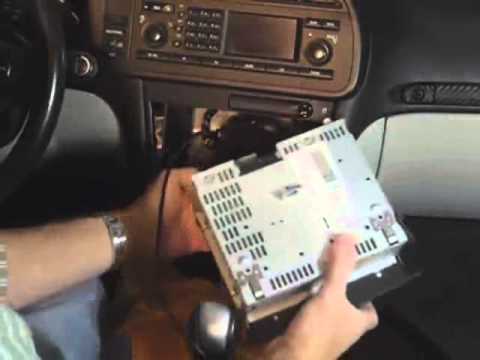
Saab 9 3
(2002-2014 /
MK 2)
To install the Aux output cable, detach the monitor located under the car radio and the climate control panel positioned beneath the radio by disconn…
Saab 9 3
(2002-2014 /
MK 2)
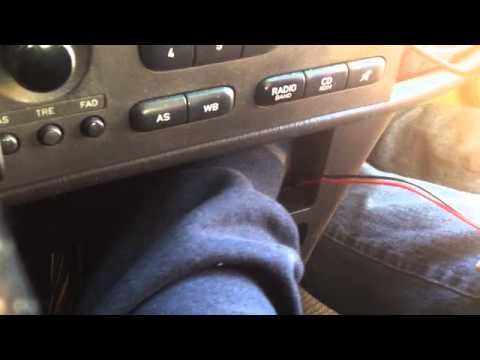
To install an AUX input, you need to remove the original radio to connect the interface control unit of the input: you will need the appropriate extr…
Saab 9 3
(2002-2014 /
MK 2)
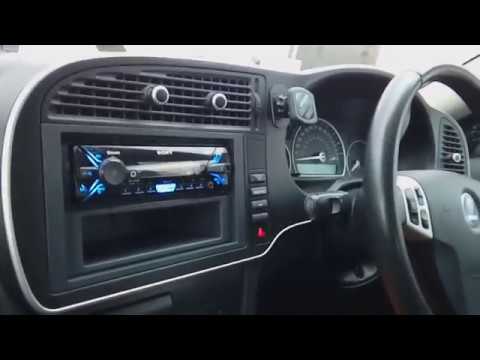
To install an aftermarket radio, first remove the original unit. Purchase a fitting kit to insert into the dashboard and a universal wiring harness t…
Other guides you may be interested in |
How to Remove the Door Panel on a Mini
Perform the disassembly of the door panel (front right) on a Mini: disconnect the battery terminals located in the engine bay (if you need to disconnect terminals). Use a lever to remove the plastics in the area of the upper door opening lever and the screws present in the handle (if any). Remove the trim near the window, unscrew the remaining screws on the door panel and detach the securing clips. Finally, pull the panel away with your hands and detach it from the door (disconnect the power wiring and the opening cable). by ScegliAuto More videos
|
|
For advertising on this site Write to info@scegliauto.com
ScegliAuto is not responsible for any inaccuracy of the data in the lists. To report any inaccuracy or your business (if you own the business in question), please write to info@scegliauto.com
Number of seconds to generate the page: 0.043
(c) ScegliAuto 2026 - info@scegliauto.com - Privacy policy VAT number: IT01247470535 |
