
|
Do it yourself
| |||
| ||||


Installing an Aftermarket Radio in a Saab 9-3
Model: Saab 9 3
MK 2
- Years:
2002, 2003, 2004, 2005, 2006, 2007, 2008, 2009, 2010, 2011, 2012, 2013
Video tutorial
To install an aftermarket radio, first remove the original unit. Purchase a fitting kit to insert into the dashboard and a universal wiring harness to connect to the original system and then to the radio itself using the ISO standard. You may need to derive power from the fuse box by inserting a protective fuse. To remove the original radio, the most delicate part is disconnecting the air vents located directly above the radio. Once the vents are removed, unscrew the mounting screws and take out the original radio by disconnecting the relevant plugs. Next, insert the fitting kit, connect the wiring, and finish by installing the new radio.
Updated on 21 February 2026 by ScegliAuto
Related tutorials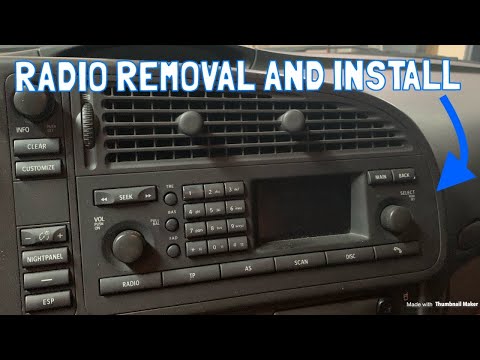
Saab 9 3
(2002-2014 /
MK 2)
Before you can begin, sit in the driver's seat of your SAAB 9-3. Start by unclipping and removing the air vents located above the radio using a flath…
Saab 9 3
(2002-2014 /
MK 2)
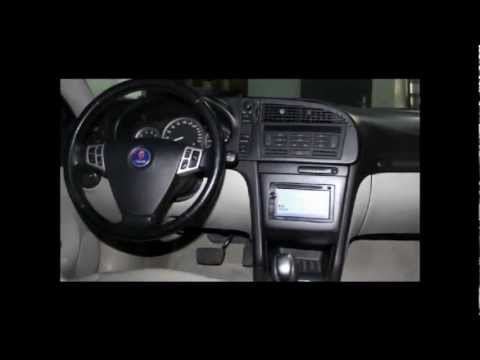
Installing a 2 DIN car radio in the vehicle requires good manual skills and the necessary tools to properly shape the housing for the new radio (give…
Saab 9 3
(2002-2014 /
MK 2)
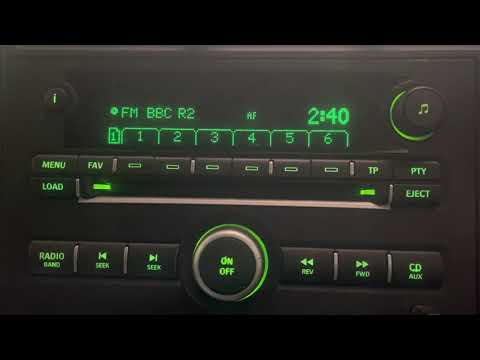
In this new mini guide dedicated to your Saab 9-3 second series (2008), we will discover how to manually change the time displayed on the central dis…
Other guides you may be interested in
|
How to reset the tyre pressure warning light on the Kia Niro EV?
To reset the tyre pressure warning light on the Kia Niro EV, inflate the tyres until they reach the correct pressure value. This value is indicated on the sticker attached to the driver's door pillar. Once the tyres are inflated, turn on the instrument cluster to check that the warning light has completely disappeared from the display. If it is still present, you may need to drive for a few miles to ensure it disappears completely from the screen. by ScegliAuto More videos
|
|
For advertising on this site Write to info@scegliauto.com
ScegliAuto is not responsible for any inaccuracy of the data in the lists. To report any inaccuracy or your business (if you own the business in question), please write to info@scegliauto.com
Number of seconds to generate the page: 0.135
(c) ScegliAuto 2026 - info@scegliauto.com - Privacy policy VAT number: IT01247470535 |
