
|
Do it yourself
| |||
| ||||


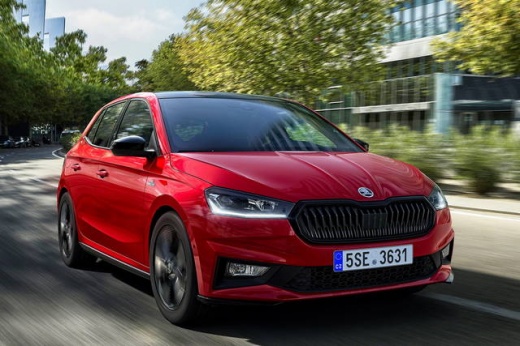
How to Reset Trip Information on a Skoda Fabia IV
Model: Skoda Fabia
Mark4
- Years:
2021, 2022, 2023, 2024, 2025, 2026
Video tutorial
To reset the trip information on a Skoda Fabia IV, you need to act directly from the instrument cluster. The trip information is displayed on the dashboard, and to reset it, simply locate the dedicated button, which is usually found below the display itself and is often marked as "0.0" or "SET". Once you have selected the trip memory you wish to reset (for example, "Since Refuelling" or "Since Long Term"), press and hold the button for a few seconds. This will reset the values back to zero. The data that is reset includes average fuel consumption, distance travelled, average speed, and trip time.
Posted on 29 September 2026 by ScegliAuto
Related tutorials
Skoda Fabia
(2007-2014 /
5J, Mark2)
In this brief tutorial, you will learn how to reset the service light on a second-generation Skoda Fabia, produced from 2007 to 2014. This operation …

Skoda Fabia
(2014-2021 /
Mark3, NJ)
In this tutorial, see how to reset the on-board computer in a Skoda Fabia, a very simple and quick operation, for example, as an attempt to resolve a…

Skoda Fabia
(2007-2014 /
5J, Mark2)
In this new mini guide for your Skoda Fabia Mk2 (2013), find out the steps to follow if you want to independently complete the manual reset of the se…
Other guides you may be interested in
|
Where is the Comfort Control Module in an Audi A3?
The comfort control module in the Audi A3 manages several systems in the car, such as central locking, electric windows, courtesy lights, etc. It is located on the side of the boot, on the passenger side. To access it, lower the rear seat backs to detach the side plastic panel of the boot. Underneath, you will find the device, which can be removed from its housing by unscrewing the fixing screws and disconnecting the appropriate connectors. by ScegliAuto More videos
|
|
For advertising on this site Write to info@scegliauto.com
ScegliAuto is not responsible for any inaccuracy of the data in the lists. To report any inaccuracy or your business (if you own the business in question), please write to info@scegliauto.com
Number of seconds to generate the page: 0.020
(c) ScegliAuto 2026 - info@scegliauto.com - Privacy policy VAT number: IT01247470535 |
