
|
Do it yourself
| |||
| ||||


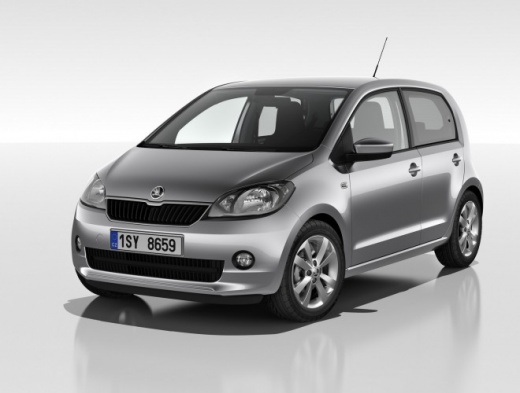
How to Set the Time on a Skoda Citigo?
Model: Skoda Citigo
- Years:
2011, 2012, 2013, 2014, 2015, 2016, 2017, 2018, 2019, 2020
Video tutorial
In this tutorial, we will see how to set the time on a Skoda Citigo, a very simple and quick operation, to be done, for example, after disconnecting the battery or following the change to daylight saving time. First, go inside the cabin, then insert the key and turn on the ignition. Next, access the clock using the directional controls on the right stalk, hold down the left button on the dashboard until the clock starts to flash and adjust the hour with the right button. At this point, simply do the same for the minutes, adjust them as well, and finally save the setting.
Posted on 17 October 2026 by ScegliAuto
Related tutorials
Skoda Citigo
(2011-2020 /
MK 1)
In this tutorial we can see how to adjust the time in the Skoda Citigo, an extremely simple and quick operation, to be done for example after disconn…
Skoda Citigo
(2011-2020 /
MK 1)
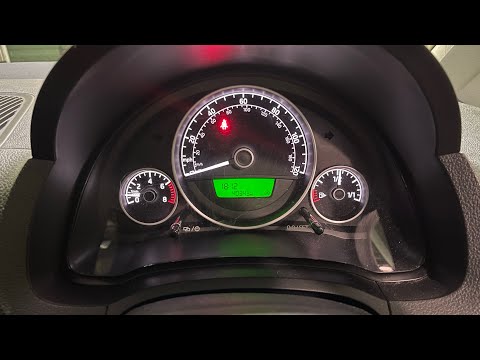
If the display on your Skoda Citigo's instrument cluster shows the wrong time and you want to learn how to change it manually, simply follow these st…
Skoda Citigo
(2011-2020 /
MK 1)
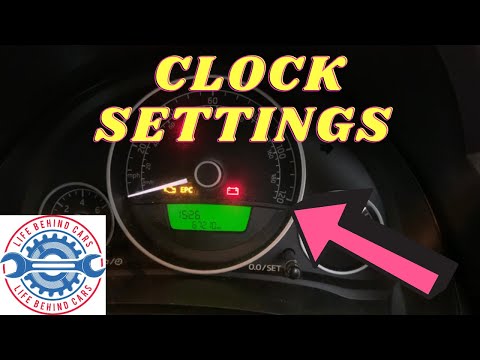
If the time displayed on your 2015 Skoda Citigo is incorrect and you want to change it manually, follow these steps. First, insert the key and turn o…
Other guides you may be interested in
|
How to Open the Hood of the Mercedes GLC?
To open the hood of the Mercedes GLC, go inside the cabin on the driver's side to locate the red lever at the bottom of the dashboard on the left. Once you find this lever, pull it back to unlock the hood latch mechanism. After the mechanism is unlocked, exit the cabin and move the latch corresponding to the mechanism to fully release the hood. At this point, you can lift it and access the engine compartment. by ScegliAuto More videos
|
|
For advertising on this site Write to info@scegliauto.com
ScegliAuto is not responsible for any inaccuracy of the data in the lists. To report any inaccuracy or your business (if you own the business in question), please write to info@scegliauto.com
Number of seconds to generate the page: 0.194
(c) ScegliAuto 2026 - info@scegliauto.com - Privacy policy VAT number: IT01247470535 |
