
|
Do it yourself
| |||
| ||||


How to reset the service light in the Smart ForTwo?
Model: Smart Smart
451
- Years 2007-2015
In this tutorial we can see how to reset the service in the Smart ForTwo, an extremely simple and fast operation, to be carried out only once all scheduled maintenance work has been completed. Let's start by going inside the cabin, then insert the key but leave it in the first position. Next, press and hold the left button on the dashboard, simultaneously turn on the instrument panel, and after a few seconds, press the same button twice in a row. Restart the vehicle at this point to verify that the reset was successful.
Posted on 3 November 2024 by ScegliAuto
Video tutorial
Related tutorials
Smart
(2014-2022 /
453)
In this tutorial, we can see how to reset the service in the Smart ForTwo, an extremely simple and quick operation, to be done only once all schedule…

Smart
(2014-2022 /
453)
In this tutorial we can see how to reset the service in the Smart ForTwo, an extremely simple and quick operation, to be carried out only once all sc…

Smart
(2007-2015 /
451)
In this tutorial we can see how to reset the service in the Smart ForTwo, an extremely simple and quick operation, to be carried out only once all sc…
Other guides you may be interested in
|
How to Remove the Gear Knob on an Opel Astra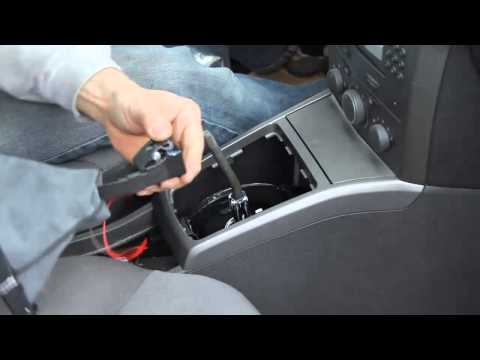
How to replace the gear knob on an Opel Astra? Follow these steps: use a plastic lever to disconnect the leather gaiter frame (if you need to replace it). Grip the knob with both hands and pull it upwards (with a strong and decisive motion) until it comes off the gear stick. For installation: fit the new gaiter and position it on the centre tunnel, take the new knob and push it onto the stick, tightening it until fully threaded. Test the movement of the stick on the centre tunnel to ensure the knob is correctly fitted. by ScegliAuto More videos
|

|
For advertising on this site Write to info@scegliauto.com
ScegliAuto is not responsible for any inaccuracy of the data in the lists. To report any inaccuracy or your business (if you own the business in question), please write to info@scegliauto.com
Number of seconds to generate the page: 0.140
(c) ScegliAuto 2026 - info@scegliauto.com - Privacy policy VAT number: IT01247470535 |
