
|
Do it yourself
| |||
| ||||


How to reset the service light on the Smart ForTwo?
Model: Smart Smart
451
- Years 2007-2015
In this tutorial we can see how to reset the service in the Smart ForTwo, an extremely simple and quick operation, to be carried out only once all scheduled maintenance tasks have been completed. Let's start by going inside the cabin, then insert the key and turn on the instrument panel. Then scroll through the various options on the display using the directional arrows on the steering wheel, reach the screen related to the service and hold down the "OK" button for about 20 seconds, or however long it takes for the interval to reset properly.
Posted on 6 March 2025 by ScegliAuto
Video tutorial
Related tutorials
Smart
(2014-2022 /
453)
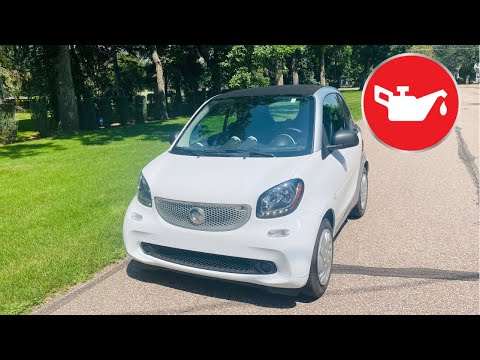
In this tutorial, we can see how to reset the service in the Smart ForTwo, an extremely simple and quick operation, to be done only once all schedule…
Smart
(2014-2022 /
453)
In this tutorial we can see how to reset the oil service in the Smart ForTwo, an extremely simple and fast operation, to be carried out only once all…

Smart
(2007-2015 /
451)
In this tutorial we can see how to reset the service in the Smart ForTwo, an extremely simple and fast operation, to be carried out only once all sch…
Other guides you may be interested in
|
How to Replace the Damaged Number Plate Bulb on Fiat 600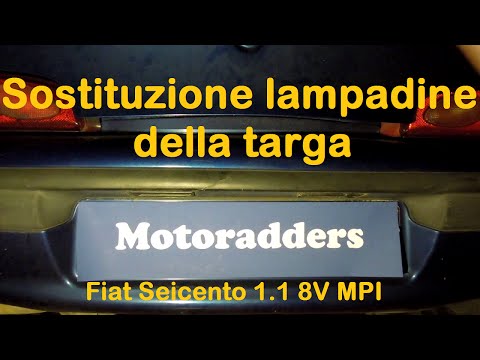
In this video, learn how to replace the damaged number plate bulb on a Fiat 600. Use a screwdriver or plastic lever to remove the number plate light unit located in the rear bumper of the car. Once the light unit is removed, extract the lamp holder with your hands, then disconnect the bulb from it. Fit the new bulb/LED (same size and voltage) into the lamp holder, then reassemble the light unit into the bodywork of the tailgate, pressing it until the clips lock automatically. Finally, test the correct operation of the previously installed bulb. by ScegliAuto More videos
|

|
For advertising on this site Write to info@scegliauto.com
ScegliAuto is not responsible for any inaccuracy of the data in the lists. To report any inaccuracy or your business (if you own the business in question), please write to info@scegliauto.com
Number of seconds to generate the page: 0.128
(c) ScegliAuto 2026 - info@scegliauto.com - Privacy policy VAT number: IT01247470535 |
