
|
Do it yourself
| |||
| ||||


How to reset the service light on the 2004 Smart Forfour
Model: Smart Smart
Fourfour1, 454
- Years 2004-2006
To perform the service light reset on a 2004 Smart Forfour vehicle, we need to turn on the instrument panel and press the TRIP button next to the display. Once inside the mileage menu, press the CALL and OK buttons on the steering wheel to access the service menu. Then, select "assyst plus", "full service", and "reset" in order. After completing the reset, restart the instrument panel to update the mileage for the next service. If the reset is not successful, it is necessary to go to a workshop to perform the reset using a diagnostic computer and the OBD port.
Posted on 30 April 2025 by ScegliAuto
Video tutorial
Related tutorials
Smart
(2004-2006 /
Fourfour1, 454)
Let's see in this video how to turn off the service light on a Smart Forfour: the correct method varies depending on the year of production. For the …

Smart
(2004-2006 /
Fourfour1, 454)
It will be possible to completely make the Service light disappear from the dashboard of the Smart Forfour by holding down the button located at the …

Smart
(2004-2006 /
Fourfour1, 454)
Today's information will show us how to reset the maintenance service warning of the Smart Forfour, in simple and quick steps. First of all, we get i…
Other guides you may be interested in
|
How to Unlock Door Lock with Key on Nissan Micra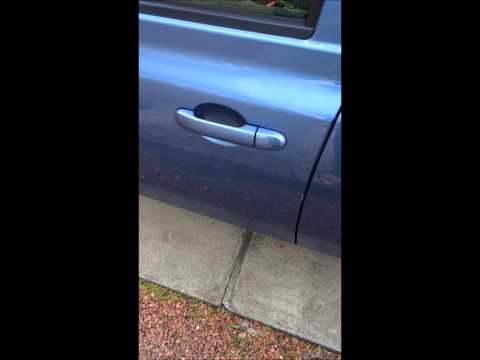
How to unlock the door lock of the Nissan Micra with the key? Use the key if the battery is flat. Remove the cover on the side of the handle (driver's side): lever it until the lock cover piece detaches. Insert the key into the lock and open the car door. To lock the door again, take the cap and press on the handle until you hear the locking click. Replace the remote key battery as soon as possible. If the remote is damaged, use the manual lock with the key until repaired. by ScegliAuto More videos
|
|
For advertising on this site Write to info@scegliauto.com
ScegliAuto is not responsible for any inaccuracy of the data in the lists. To report any inaccuracy or your business (if you own the business in question), please write to info@scegliauto.com
Number of seconds to generate the page: 0.100
(c) ScegliAuto 2026 - info@scegliauto.com - Privacy policy VAT number: IT01247470535 |
