
|
Do it yourself
| |||
| ||||


How do you reset the Service light on the Smart 451?
Model: Smart Smart
451
- Years 2007-2015
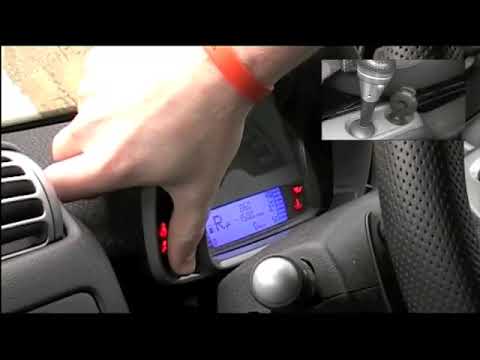
To make the Service light disappear from the instrument panel of the Smart 451, you will need to hold down the button located on the left side of the instrument panel. While holding it down, you will need to insert the ignition key into the corresponding slot on the central tunnel and turn it. This will activate the instrument panel and you will be able to continue holding down the button: after a few seconds you will see that the maintenance light will turn off completely. To verify that the reset has been completed, you will need to turn off and turn on the instrument panel again.
Posted on 23 July 2025 by ScegliAuto
Video tutorial
Related tutorials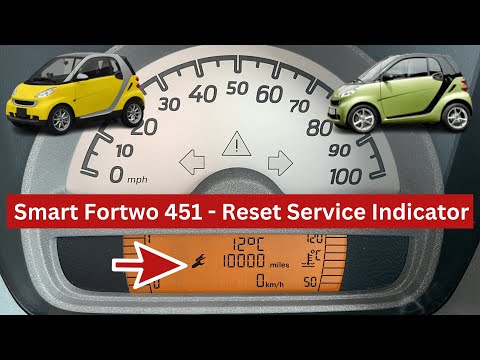
Smart
(2007-2015 /
451)
In our new guide dedicated to your Smart Fortwo 451 (year 2007-2015) we will explain how to manually reset the service light correctly. First insert …
Smart
(2007-2015 /
451)
In order to successfully complete the manual reset of the service light on the instrument panel of your Smart 451, you must follow all the steps desc…

Smart
(2007-2015 /
451)
If even after performing the regular maintenance of your Smart 451 (year 2007-2015) you notice that the alarm light continues to turn on on the dashb…
Other guides you may be interested in
|
How to Remove the Headlight Bulbs on a Toyota Rav4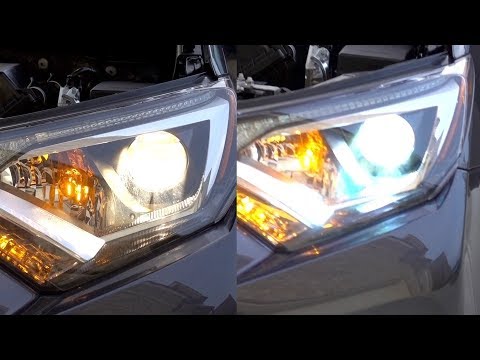
Let's see how to remove the headlight bulbs on a Toyota Rav4. Open the bonnet by pulling the lever located at the bottom right of the dashboard and secure it. Locate the inspection cap (if present) on the headlight and remove it (located at the rear of the headlight). At this point, you will find the bulbs with metal clips; pull the bulb holders out of the headlight and extract the damaged bulb using a screwdriver and pliers. Fit the new bulb (ensuring it is the correct type and size), insert the bulb holder back into the headlight housing, and close the headlight with the inspection cap. Test the lights to ensure they are functioning correctly. by ScegliAuto More videos
|

|
For advertising on this site Write to info@scegliauto.com
ScegliAuto is not responsible for any inaccuracy of the data in the lists. To report any inaccuracy or your business (if you own the business in question), please write to info@scegliauto.com
Number of seconds to generate the page: 0.111
(c) ScegliAuto 2026 - info@scegliauto.com - Privacy policy VAT number: IT01247470535 |
