
|
Do it yourself
| |||
| ||||


How to reset the service indicator of the Smart Fortwo
Model: Smart Smart
451
- Years 2007-2015
Today's information will allow us to reset the service indicator of the Smart Fortwo, in simple and quick steps. First, we get on board the car and start the instrument panel; then we press the left button of the panel twice and turn it off again, as shown in the video. At this point, we press and hold the button and turn on the instrument panel, waiting for the audible signal and checking the reset of the maintenance key and service kilometers that will appear on the instrument panel display.
Posted on 15 November 2025 by ScegliAuto
Video tutorial
Related tutorials
Smart
(2014-2022 /
453)
In this new guide aimed at those of you who own a 2014 Smart Fortwo, we will discover how to manually reset the service light that continues to remai…
Smart
(2007-2015 /
451)
Let's discover step by step instructions on how to reset the service indicator for regular maintenance of the Smart Fortwo's engine oil change. First…

Smart
(2014-2022 /
453)
These brief steps will show us the necessary procedure on how to reset the service light of the Smart Fortwo. First of all, we get into the car and s…
Other guides you may be interested in
|
How to Open the Boot of the Ford Ecosport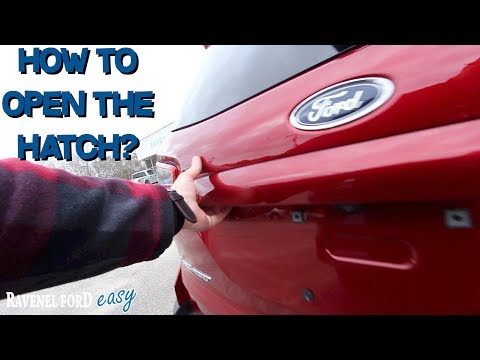
Opening the boot lid of the Ford Ecosport is a straightforward operation that greatly facilitates access when normal operation would otherwise be inconvenient. Naturally, you can open the boot using the remote/key in the same way you open the doors of the cabin. However, in some cases, you may need to open it in other ways. You will notice that there is no handle or button for manual opening in the usual positions. Instead, you will find the handle with the lock underneath at the top of the right rear light, highlighted by the chrome finish. This allows you to open the boot, which will swing open to the left. by ScegliAuto More videos
|

|
For advertising on this site Write to info@scegliauto.com
ScegliAuto is not responsible for any inaccuracy of the data in the lists. To report any inaccuracy or your business (if you own the business in question), please write to info@scegliauto.com
Number of seconds to generate the page: 0.140
(c) ScegliAuto 2026 - info@scegliauto.com - Privacy policy VAT number: IT01247470535 |
