
|
Do it yourself
| |||
| ||||


How do you reset the trip meter of the Smart?
Model: Smart Smart
450
- Years 1998-2007
It will be possible to reset the partial odometer of the Smart by turning on the instrument panel, inserting the ignition key into the corresponding ignition switch. Once the panel is on, you can press and hold the button located on the left side of the instrument panel to make the partial kilometers start flashing. Once they stop flashing and have been reset to zero, you can release the button and complete the reset procedure by turning off the panel.
Posted on 26 November 2025 by ScegliAuto
Video tutorial
Related tutorials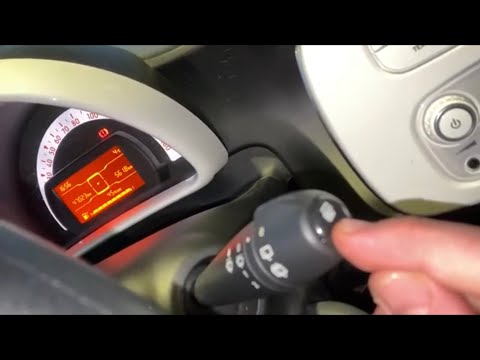
Smart
(2004-2006 /
Fourfour1, 454)
If we need to go and reset the partial odometer on this car model, we can find instructions on how to move in the description below and in the video.…

Smart
(2007-2015 /
451)
Today we will explain how to partially reset the odometer of the Smart car. To perform this simple operation, we need to turn on the instrument panel…
Smart
(2004-2006 /
Fourfour1, 454)
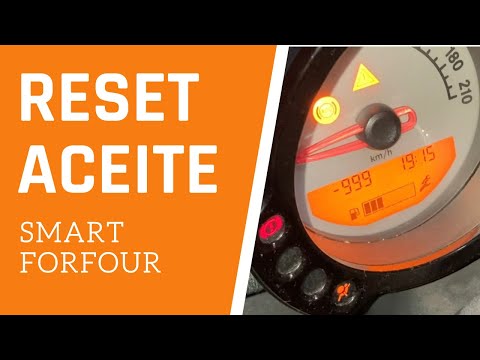
We follow the procedure explained by the author of this video to reset the service light on a Smart Forfour, specifically the model produced between …
Other guides you may be interested in
|
How to Replace a Headlight Bulb on a Ford Focus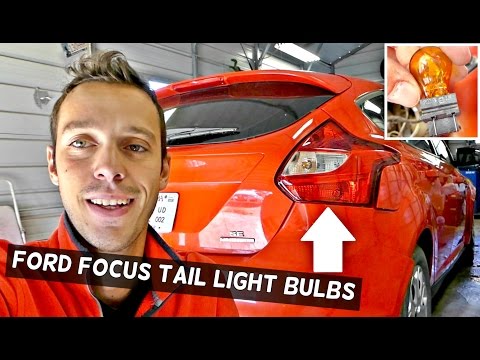
How do you replace a rear headlight bulb on a Ford Focus? Let's see how to do it in this video. This operation is very simple to carry out. Open the boot and remove the plastic cover from the side trim. Unscrew the retaining screws of the lamp unit, then pull it out by hand from the car's bodywork. Disconnect the power connectors, taking care not to damage them. Once the rear light is removed, replace the damaged bulbs. After completing this operation, reassemble everything in reverse order. Finally, check that the lights are functioning correctly. by ScegliAuto More videos
|
|
For advertising on this site Write to info@scegliauto.com
ScegliAuto is not responsible for any inaccuracy of the data in the lists. To report any inaccuracy or your business (if you own the business in question), please write to info@scegliauto.com
Number of seconds to generate the page: 0.111
(c) ScegliAuto 2026 - info@scegliauto.com - Privacy policy VAT number: IT01247470535 |
