
|
Do it yourself
| |||
| ||||


Reset service warning light Smart Fortwo 453
Model: Smart Smart
453
- Years 2014-2022
Today we will see how to reset the oil change routine maintenance service light of a Smart Fortwo 453, in simple steps. First of all, let's get inside the car and make sure that all the doors are closed: let's use the side lever and with the central button we enter the menu until we reach the maintenance diary; press the ok button and keep it pressed until the kilometers flash (keep pressed for about twenty seconds until 20,000 reappears on the screen, or the new kilometers that can be traveled). At this point we will have reset our spy!
Posted on 22 March 2021 by ScegliAuto
Video tutorial
Related tutorials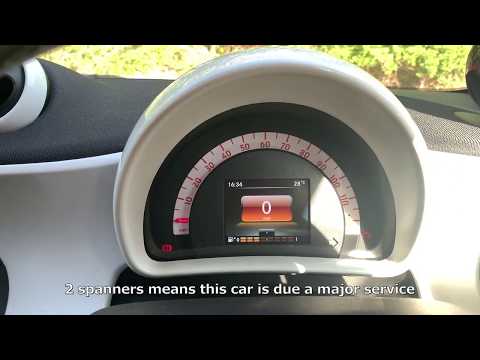
Smart
(2014-2022 /
453)
After carrying out the scheduled maintenance operations provided for the Smart ForTwo 453, the relative signal on the display must be reset by follow…
Smart
(2014-2022 /
453)
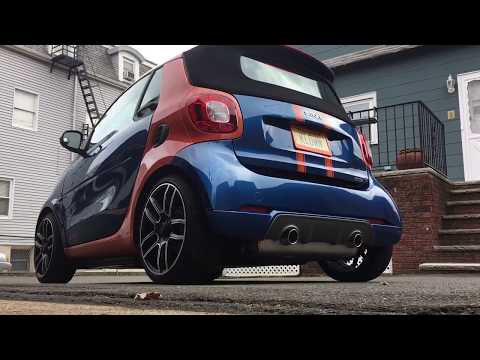
Let's see in this video the main instructions to be able to remove the rear bumper on a Smart Fortwo 453, in simple and quick steps. First we are goi…

Smart
(2014-2022 /
453)
Good morning, today I will guide you through the process of resetting the partial trip on your Smart ForTwo. To begin, let's carefully enter the car.…
Other guides you may be interested in
|
Entering Radio Code for Nissan Qashqai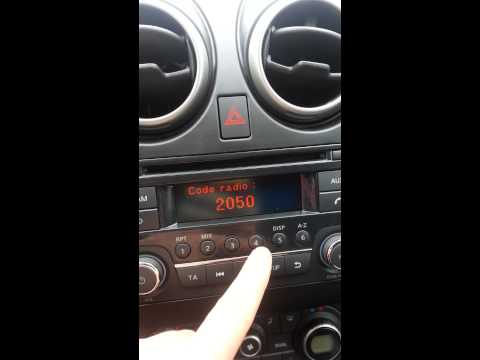
Today, in this very short video tutorial, you will learn how to enter the radio code for a Nissan Qashqai. The radio code can be found in the car's manual, provided by the manufacturer; sometimes it can also be found on the back of the radio. First, get inside the vehicle: when you turn on the radio, it will prompt you to enter the unlock code: input the code as shown in the video. At this point, the radio will unlock, and you can listen to all the music you want! Sometimes the code may not match yours. Check the manual for the correct code. by ScegliAuto More videos
|

For advertising on this site Write to info@scegliauto.com
ScegliAuto is not responsible for any inaccuracy of the data in the lists. To report any inaccuracy or your business (if you own the business in question), please write to info@scegliauto.com
Number of seconds to generate the page: 0.152
(c) ScegliAuto 2026 - info@scegliauto.com - Privacy policy VAT number: IT01247470535 |
