
|
Do it yourself
| |||
| ||||


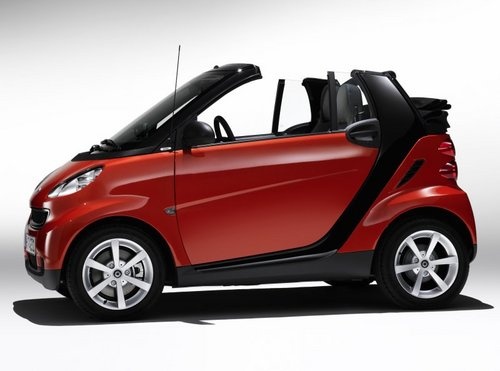
How to Remove the Third Brake Light of a Smart ForTwo 451
Model: Smart Smart
451
- Years:
2007, 2008, 2009, 2010, 2011, 2012, 2013, 2014, 2015
Video tutorial
Before you can start, exit the cabin of your Smart ForTwo 451 and head to the rear of the car. Begin by unscrewing and removing the screws securing the third brake light to the tailgate. Next, dislodge and extract the third brake light itself. This will free it. At this point, unclip the connector securing the connector, then disconnect the connector itself. Once you have disconnected the connector, you can permanently remove the third brake light from your Smart ForTwo 451, and the disassembly will be complete.
Updated on 19 April 2026 by ScegliAuto
Related tutorials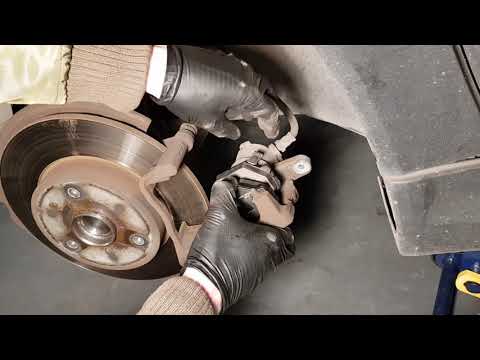
Smart
(2007-2015 /
451)
Replacing damaged brake pads on a Smart Fortwo? Here’s how to remove them. Lift the car on a column lift to the desired height, then remove the wheel…
Smart
(2007-2015 /
451)
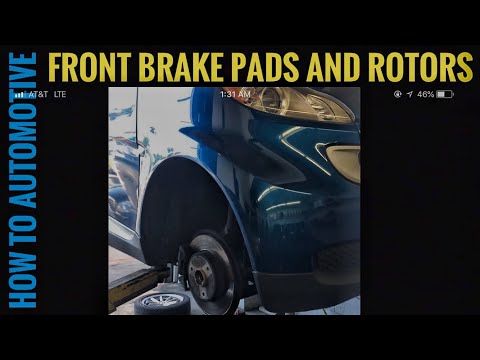
Worn brake pads? Here’s how to remove them on a Smart Fortwo. Lift the car on a column jack to the desired height: remove the wheel with the respecti…
Smart
(2007-2015 /
451)
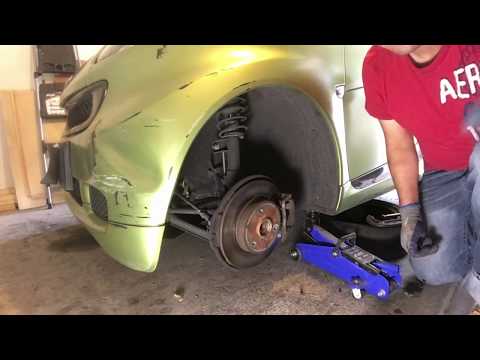
Replace the worn front brake pads on the Smart Fortwo. Remove the front wheel, unscrew the caliper locking bolt, and remove the caliper from the whee…
Other guides you may be interested in |
How to Activate the Cruise Control on the Toyota Yaris?
To activate the cruise control on the Toyota Yaris, start the engine by turning the key in the ignition switch. Once the engine is running, press the accelerator pedal until you reach the desired speed. Then, press the button on the right side of the steering wheel to activate the cruise control. You can also adjust the cruising speed by lifting the switch to increase it and lowering the switch to decrease it. by ScegliAuto More videos
|
|
For advertising on this site Write to info@scegliauto.com
ScegliAuto is not responsible for any inaccuracy of the data in the lists. To report any inaccuracy or your business (if you own the business in question), please write to info@scegliauto.com
Number of seconds to generate the page: 0.029
(c) ScegliAuto 2026 - info@scegliauto.com - Privacy policy VAT number: IT01247470535 |
