
|
Do it yourself
| |||
| ||||


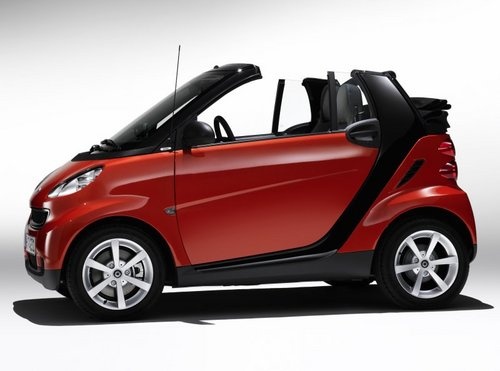
How to Replace the Rear Headlight Bulb on the Smart 451
Model: Smart Smart
451
- Years:
2007, 2008, 2009, 2010, 2011, 2012, 2013, 2014, 2015
Video tutorial
To replace the rear headlight bulb on the Smart 451, lower the tailgate of the boot and remove the plastic cover located on the side of the boot corresponding to the bulb to be replaced. Once the cover is removed, you can extract the support plate where the position and reverse bulbs are located. At this point, remove the bulb to be replaced and install a new one. After replacement, the plate must be refitted, along with the side cover of the boot.
Updated on 26 April 2026 by ScegliAuto
Related tutorials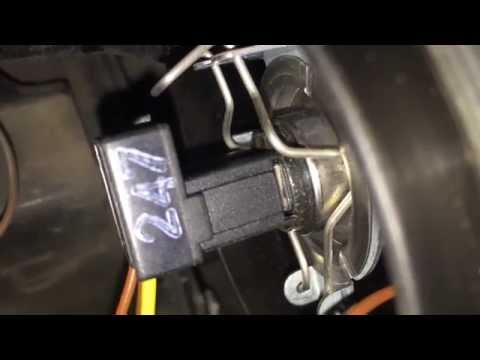
Smart
(2007-2015 /
451)
To replace the front headlamp bulb on a Smart 451, open the bonnet to access the rear of the headlamp. Remove the circular cover that protects the co…

Smart
(2007-2015 /
451)
Replacing the rear light bulb on the Smart Cabrio 451 is very straightforward, especially since you do not need to remove the light. Simply open the …
Smart
(2007-2015 /
451)
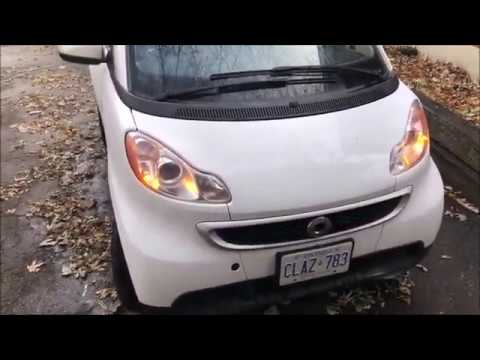
To replace the front headlamp bulb on a Smart 451, lift the clips located on the sides of the grille: once these clips are lifted, you can detach the…
Other guides you may be interested in
|
How to Reset the Tyre Pressure Light on a Cupra Formentor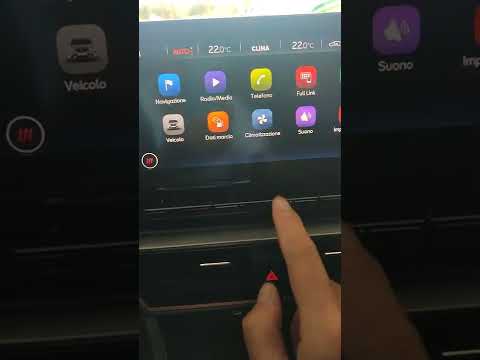
In this brief and simple video tutorial, learn how to reset the tyre pressure on a Cupra Formentor. Start by pressing the ignition button to turn on the instrument cluster. Now, use the touchscreen display on the central console to open the car menu. From here, select the driving data option, then the tyre pressure option. Now, click on the "SET" button with the pressure warning symbol and confirm the correct tyre pressure required by the manufacturer to perform the reset. by ScegliAuto More videos
|
|
For advertising on this site Write to info@scegliauto.com
ScegliAuto is not responsible for any inaccuracy of the data in the lists. To report any inaccuracy or your business (if you own the business in question), please write to info@scegliauto.com
Number of seconds to generate the page: 0.084
(c) ScegliAuto 2026 - info@scegliauto.com - Privacy policy VAT number: IT01247470535 |
