
|
Do it yourself
| |||
| ||||


How to reset the TPMS indicator on the Smart Fortwo
Model: Smart Smart
453
- Years 2014-2022
If the TPMS sensor has incorrect readings or if the relative warning light simply continues to light up despite having already inflated the tires to the right pressure, then you must necessarily perform a reset. In this guide we will briefly explain how to do it. First, insert the key and turn on the ignition without even starting the engine. Then locate the menu button at the end of the right wiper lever and press it several times until you see the TPMS warning light icon on the mini display. At this point, keep the "OK" button pressed and release it as soon as the display stops flashing. The reset is complete.
Posted on 24 February 2022 by ScegliAuto
Video tutorial
Related tutorials
Smart
(2014-2022 /
453)
Briefly, we will see the instructions on how to reset the tire pressure warning light on the Smart Fortwo. Before resetting the TPMS sensors, it is n…

Smart
(2007-2015 /
451)
Today's information will allow us to reset the service indicator of the Smart Fortwo, in simple and quick steps. First, we get on board the car and s…
Smart
(2007-2015 /
451)
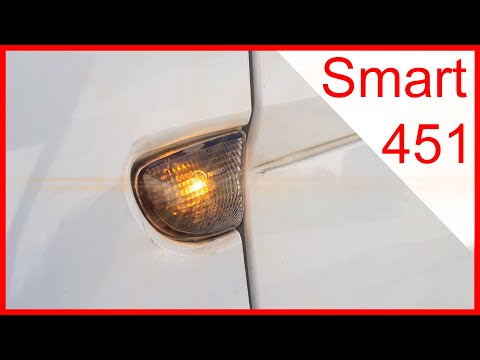
Before starting, we will have to get out of our Smart ForTwo, and then head towards the side arrow. So let's start by inserting the tip of a slotted …
Other guides you may be interested in
|
How to Replace the Number Plate Bulb on Citroen C3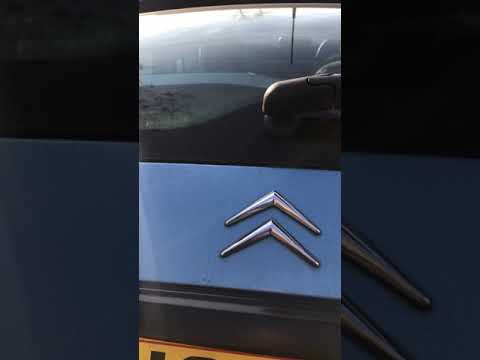
To replace the number plate bulb on a Citroen C3, use a screwdriver or plastic lever to remove the light cover (plastic housing) located in the rear bumper of the car. Once the light cover is removed, extract the bulb holder (using your hands), then disconnect the bulb from it. Fit the new LED bulb (same size and voltage) into the holder, then refit the light cover into the tailgate metal by pressing until the clips lock automatically. Test the correct operation of the previously installed bulb. by ScegliAuto More videos
|

|
For advertising on this site Write to info@scegliauto.com
ScegliAuto is not responsible for any inaccuracy of the data in the lists. To report any inaccuracy or your business (if you own the business in question), please write to info@scegliauto.com
Number of seconds to generate the page: 0.117
(c) ScegliAuto 2026 - info@scegliauto.com - Privacy policy VAT number: IT01247470535 |
