
|
Do it yourself
| |||
| ||||


How to Check Tyre Pressure at a Service Station
Model: Toyota Auris
E180
- Years 2012-2018
The method described is valid for measuring tyres at the service station for any vehicle. First, locate the label with the correct pressures, usually found on the driver's door pillar or inside the fuel filler flap. Remove the valve caps from all wheels (including the spare) and set the desired pressure on the compressor. Payment is usually made by card and there is a time limit, so start with the wheel furthest from the compressor to save time. Press the valve nozzle: the compressor beeps when it reaches the set pressure, and the display shows the pressure in real-time. Replace the caps on the valves.
Posted on 6 March 2026 by ScegliAuto
Video tutorial
Related tutorials
Toyota Auris
(2012-2018 /
E180)
If you have no idea how to reset the tyre anomaly light in the 2018 Toyota Auris, it's a good idea to check the attached video guide for the answer. …
Toyota Auris
(2012-2018 /
E180)
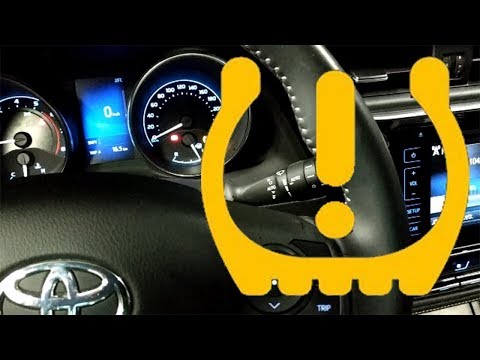
To reset the tyre pressure warning light on the Toyota Auris, turn on the instrument panel after all tyres have been inflated to the correct pressure…
Toyota Auris
(2012-2018 /
E180)
This guide explains how to reset the tyre pressure monitoring system (TPMS) warning light on a Toyota Auris. Before performing the reset, ensure all …
Other guides you may be interested in
|
How to change the time on a Toyota Yaris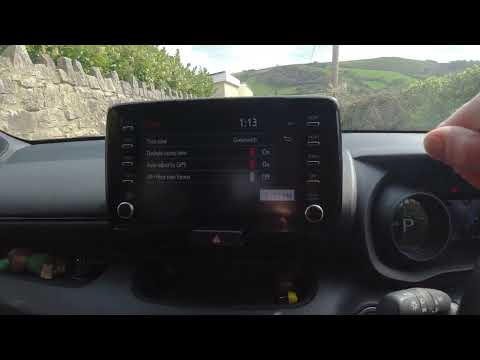
In this video we see how to change the time on a Toyota Yaris, specifically when it comes to switching from daylight saving time to standard time and vice versa. We go to the multifunction screen and press "settings": from there we go to press the clock, simply click on daylight saving time, and the clock will change the time for us, without doing anything else. All we want to do is just adjust the time format to 12 or 24 hours, as is customary in the area where we live: for example in Anglo-Saxon countries it is common to set the time to 12 hours, while in the European Union it is normally set to 24 hours. by ScegliAuto More videos
|

|
For advertising on this site Write to info@scegliauto.com
ScegliAuto is not responsible for any inaccuracy of the data in the lists. To report any inaccuracy or your business (if you own the business in question), please write to info@scegliauto.com
Number of seconds to generate the page: 0.106
(c) ScegliAuto 2026 - info@scegliauto.com - Privacy policy VAT number: IT01247470535 |
