
|
Do it yourself
| |||
| ||||


How to find and enter the radio unlock code in the Smart ForTwo?
Model: Smart Smart
450
- Years 1998-2007
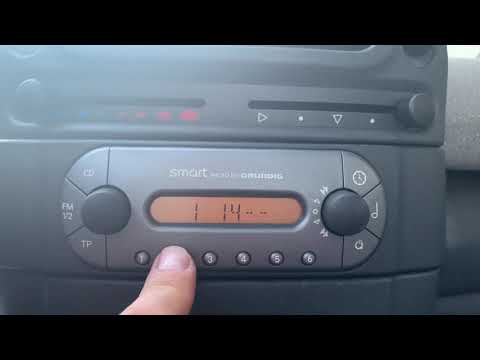
In this tutorial we can see how to find and enter the radio unlock code in the Smart ForTwo, a very simple and necessary operation for example after replacing the battery. The code can be found in the documents supplied with the purchase but, in case of loss, we will be able to find it written in the internal area of the car radio itself. If it is not, we will have to rely on one of the various recovery services available online. Once obtained, we can insert the 4 digits by repeatedly pressing the keys "1", "2", "3" and "4", and save the setting with the "OK" key.
Posted on 3 December 2022 by ScegliAuto
Video tutorial
Related tutorials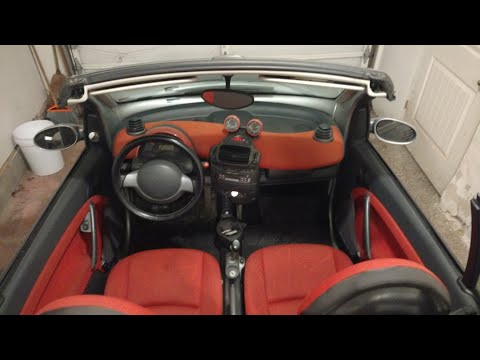
Smart
(1998-2007 /
450)
In this tutorial, we can see how to enter the unlock code for the car radio in the Smart ForTwo, a very simple and quick operation to be performed, f…
Smart
(1998-2007 /
450)
In this short tutorial we can see how to enter the radio unlock code in the Smart ForTwo, an operation necessary for example after disconnecting or r…

Smart
(2007-2015 /
451)
What to do if the radio in our Smart car is blocked, perhaps because we have replaced or disconnected the battery and cannot find the code to restart…
Other guides you may be interested in
|
Frequently Asked QuestionsHow to Remove the Original Radio on a Honda CR-V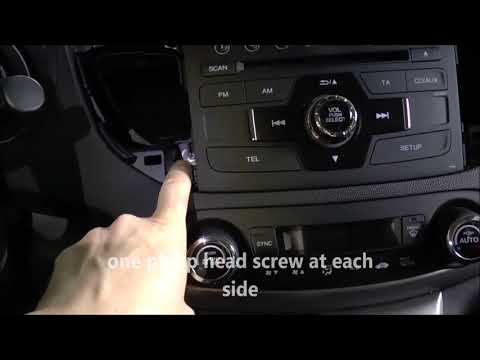
How do you remove the original radio on a Honda CR-V? First, use a plastic lever to remove the side cover of the radio (the air vents), then, with a screwdriver, unscrew the securing screws located on the sides (if present). After unscrewing the side screws (and disconnecting the clips) of the stereo, pull it out from its slot and remove it (disconnect the various power connectors at the back). To install the new stereo and the various removed parts, proceed in reverse order. by ScegliAuto More videos
|
|
For advertising on this site Write to info@scegliauto.com
ScegliAuto is not responsible for any inaccuracy of the data in the lists. To report any inaccuracy or your business (if you own the business in question), please write to info@scegliauto.com
Number of seconds to generate the page: 0.140
(c) ScegliAuto 2026 - info@scegliauto.com - Privacy policy VAT number: IT01247470535 |
